The walkthrough your scanner was always capable of.
Upload an E57 with its panoramas. Receive a finished virtual walkthrough you own: download the folder, or host it with a link and QR code.
Converts an E57 into a virtual walkthrough you can hand over
- Leica
- Trimble
- Faro
- NavVis
- Z+F
- Topcon
- XGRIDS Lixel
- Matterport exports
and any other brand
What you receive
Virtual walkthrough
Built from your E57
Opens anywhere · Yours to keep
The walkthrough, delivered.
One flat fee.
The folder is yours.
A finished walkthrough built from the E57 you already have, handed over as a folder that opens on any desktop with nothing to install and nothing that calls back to us. Panoramas with depth, the point cloud, a section box, a top-down plan and measurement in every view. Host it with a link and a QR code when you want to, and stop whenever you like.
Upload the E57 your scanner already writes, together with its panoramas. Scanaria turns it into a finished virtual walkthrough: panoramas with depth, a point cloud dollhouse, a section box, a top-down plan and measurement in every view, with the floors detected and nothing drawn by hand. Download it as a folder that opens anywhere, or host it with a link and a QR code. The scan you already own becomes something a client can walk through.
What the walkthrough can do
01
Panoramas that move like you are there
Stand where the scanner stood
Every scanner setup becomes a full sphere panorama with depth. Moving between setups is a flight through the real geometry, not a crossfade. The image stays sharp while you turn, settles when you stop, and never drifts on its own.
- Full-sphere panoramas at the scanner's own resolution
- Depth behind every pixel, so the flight follows the real room
- A ring marks every setup; click one to move there
02
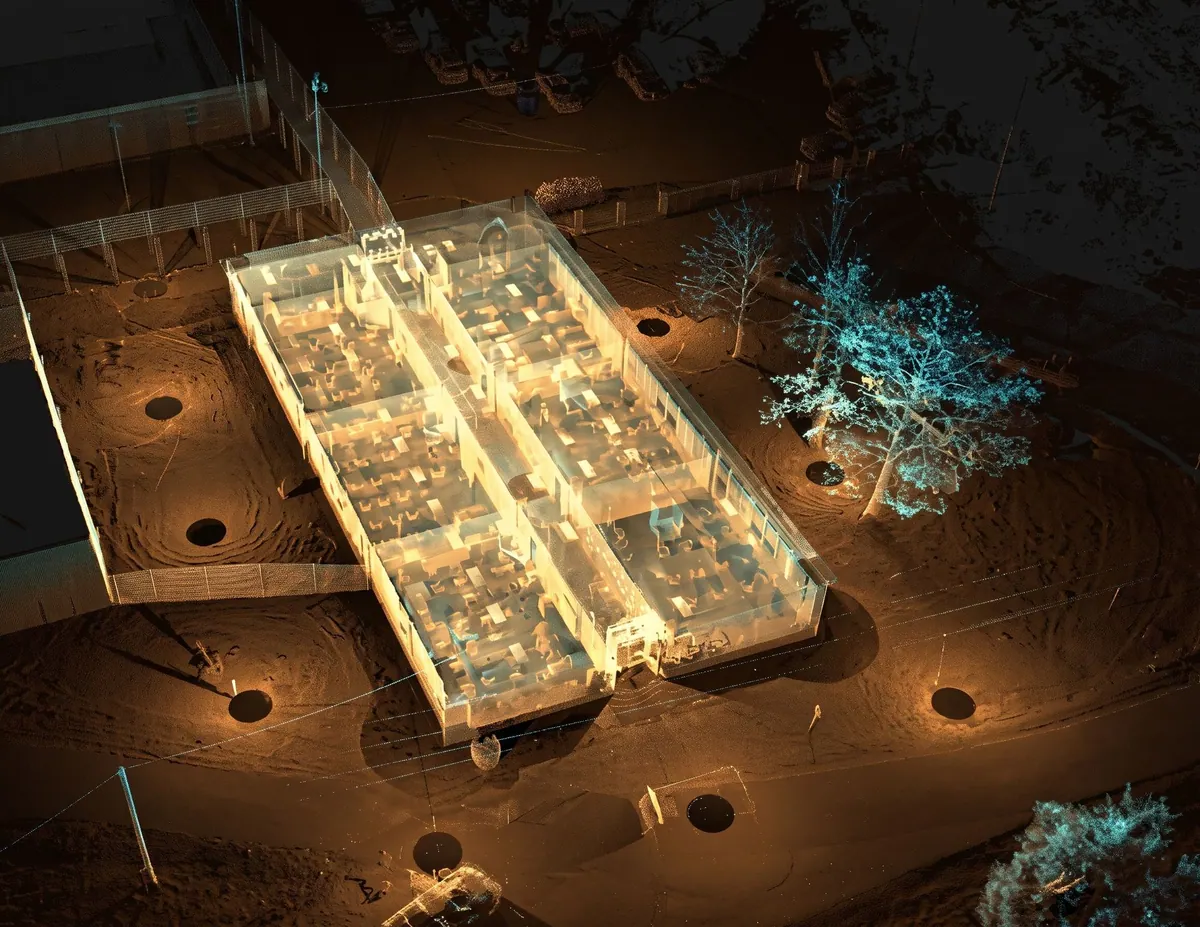
The whole project as a point cloud
The building in your hands
Step out of the panorama and the building sits in front of you as a clean, solid-looking point cloud with the roof removed. Orbit it, drop into any room, or switch to the full cloud with ceilings and roof. Two color modes: true color and scan intensity.
- Roof-off view, or the full cloud with ceilings and roof
- True color or scan intensity, switched in one tap
- Orbit the building, then drop into any room

03
A section box, not a single clipping plane
Cut it open where you need to look
Six faces you can drag along their axis, snapping to floor and ceiling levels with a readout in feet. One tap isolates a room, cuts at floor level, fits to view or resets. It works the same in every view.
- Six faces, each dragged along its own axis
- Snaps to the detected floor and ceiling levels
- Isolate a room, cut at floor level, fit to view, reset
04
Every visit, aligned in one project
Switch the date, see what changed
Scan the site as often as you like. Each new scan is aligned to the first, so every visit sits in the same place, and a date switch in the viewer takes you between them: the excavation, the structure, the finished building, seen from the same spot.
- Every new scan aligned to the first, in the same coordinates
- A date switch in every view: panorama, point cloud, top-down
- One project, one folder, one link for the whole history

05
Top-down view with your own plan on top
The plan view, straight from the cloud
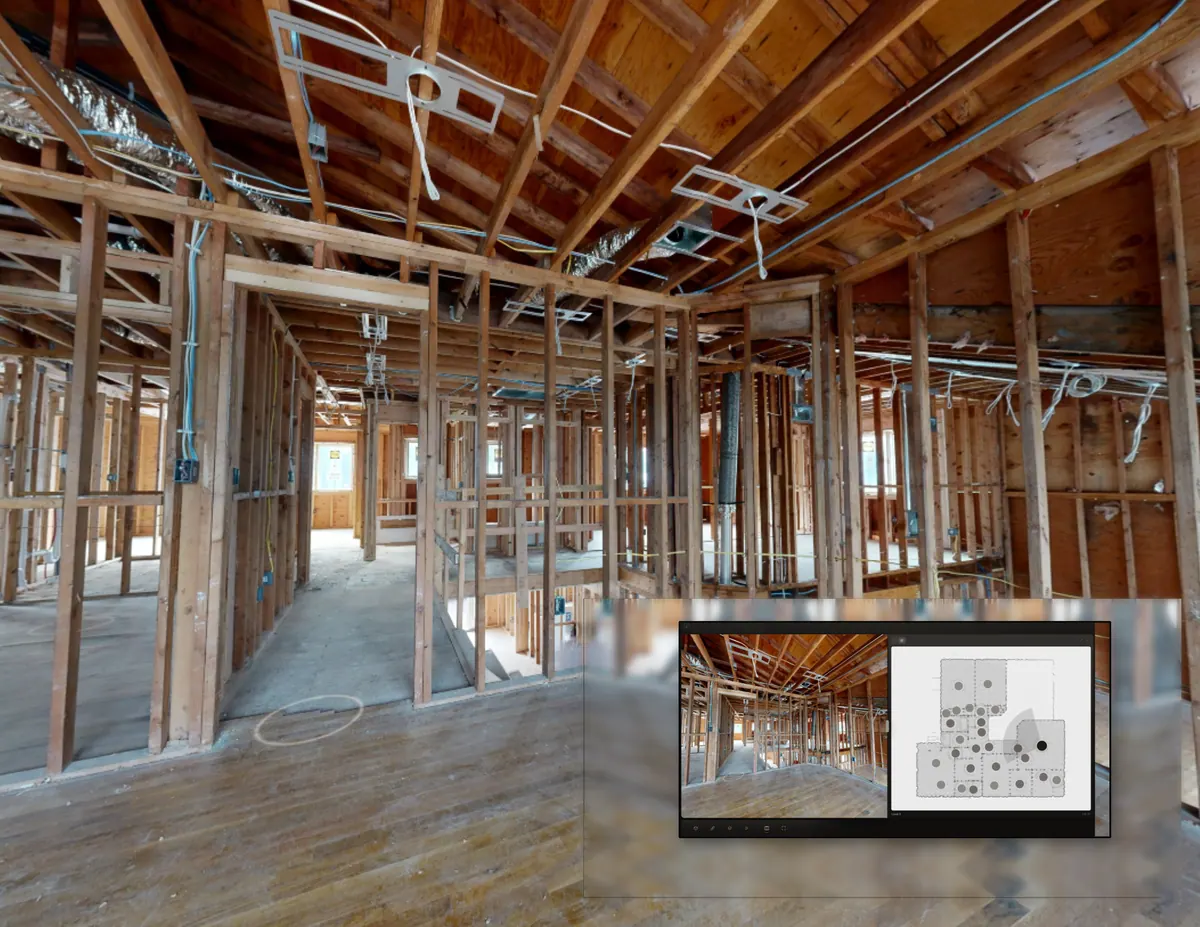
See the scan from above as a true top-down of the cloud. If you have a PDF or image floor plan, upload it once, align it, and it stays underneath every setup marker as a second layer you can toggle.
- A true orthographic view of the cloud, not a render
- Your PDF or image plan aligned once and kept underneath
- Setup markers stay on top as a layer you can toggle
06
Measurement in every mode
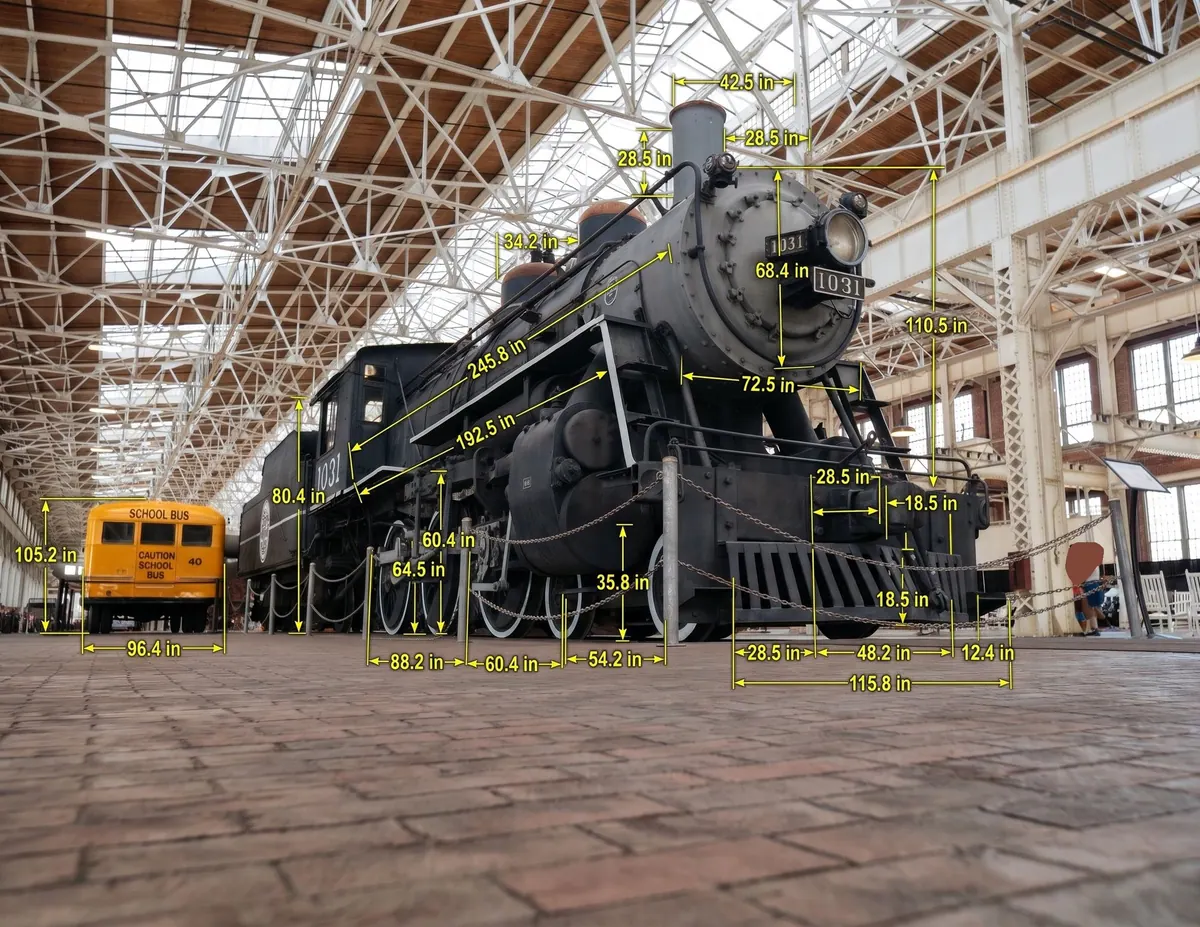
Numbers from the scan itself
Point to point in the panorama, in the dollhouse and in the top-down view. Distances come from the scan itself, so what you measure is what was there.
- Point to point in the panorama, the dollhouse and the top-down
- Readout in feet and inches, or meters
- Distances come from the scan itself, not from a model
07
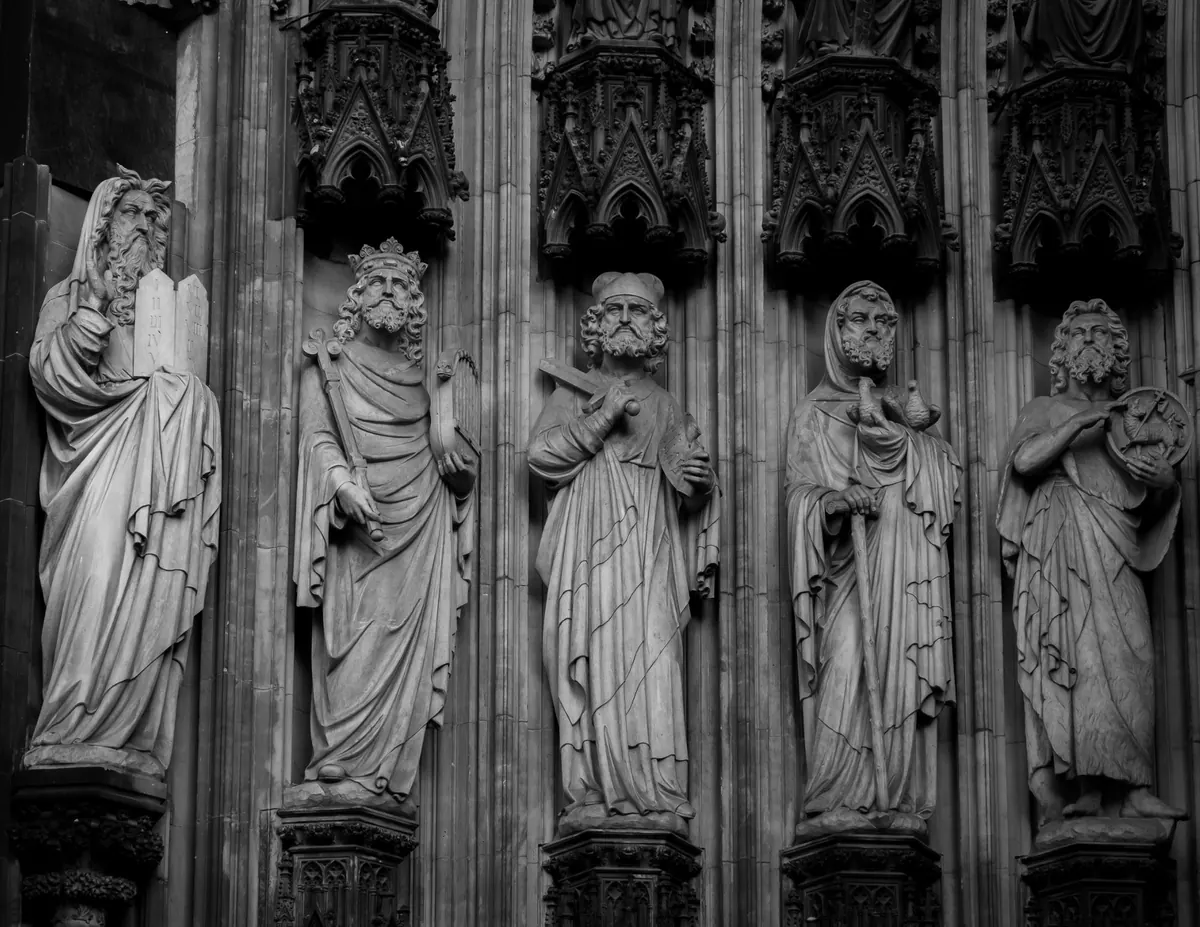
Monuments and museums, kept as they stand
Every stone, where it was
A cathedral portal, a gallery, a ruin: the scan records the whole of it as it stands today, carving by carving. Open the walkthrough years later and the detail is still there to inspect, measure and set against the next visit.
- Carvings and surfaces at the scanner's own resolution
- Measure a span or a crack without a scaffold
- Compare visits to see what moved or wore
And more.
This is part of what the walkthrough does. Open a project and see the rest.
Convert your first scan freeSectors
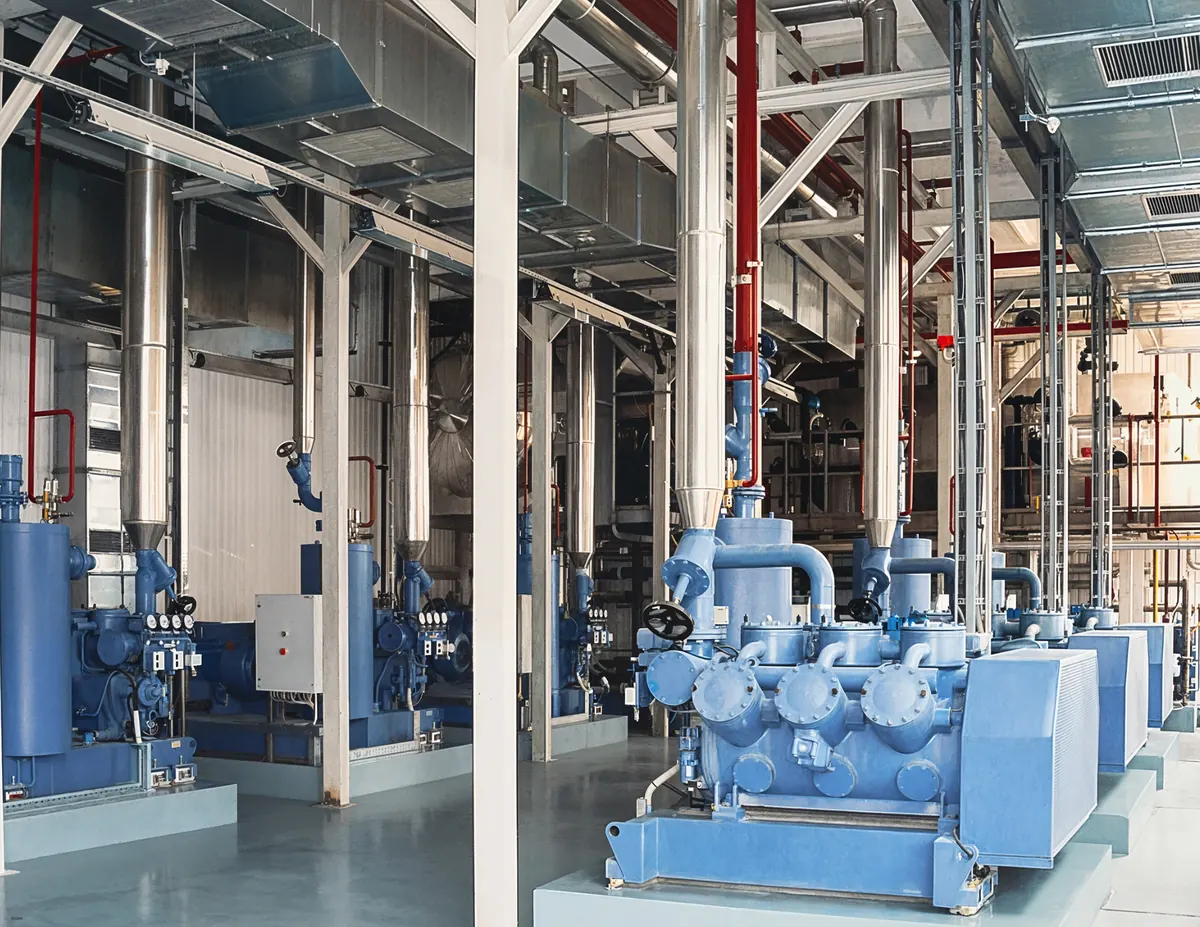
Industrial facilities
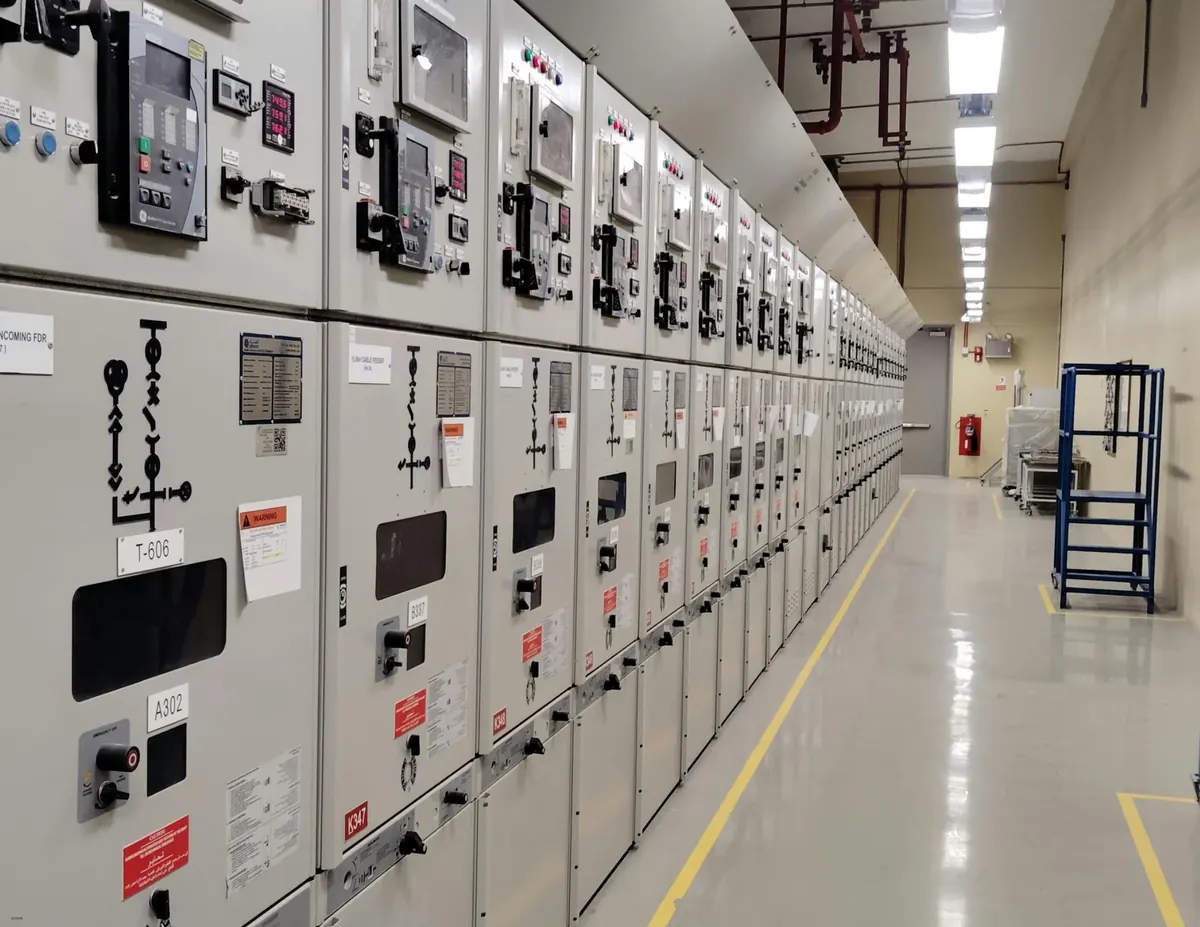
Plants, mechanical rooms, switchgear, pump houses and warehouses. The walkthrough is the record of what is installed, where it runs and how it is labeled, on the day you scanned it.
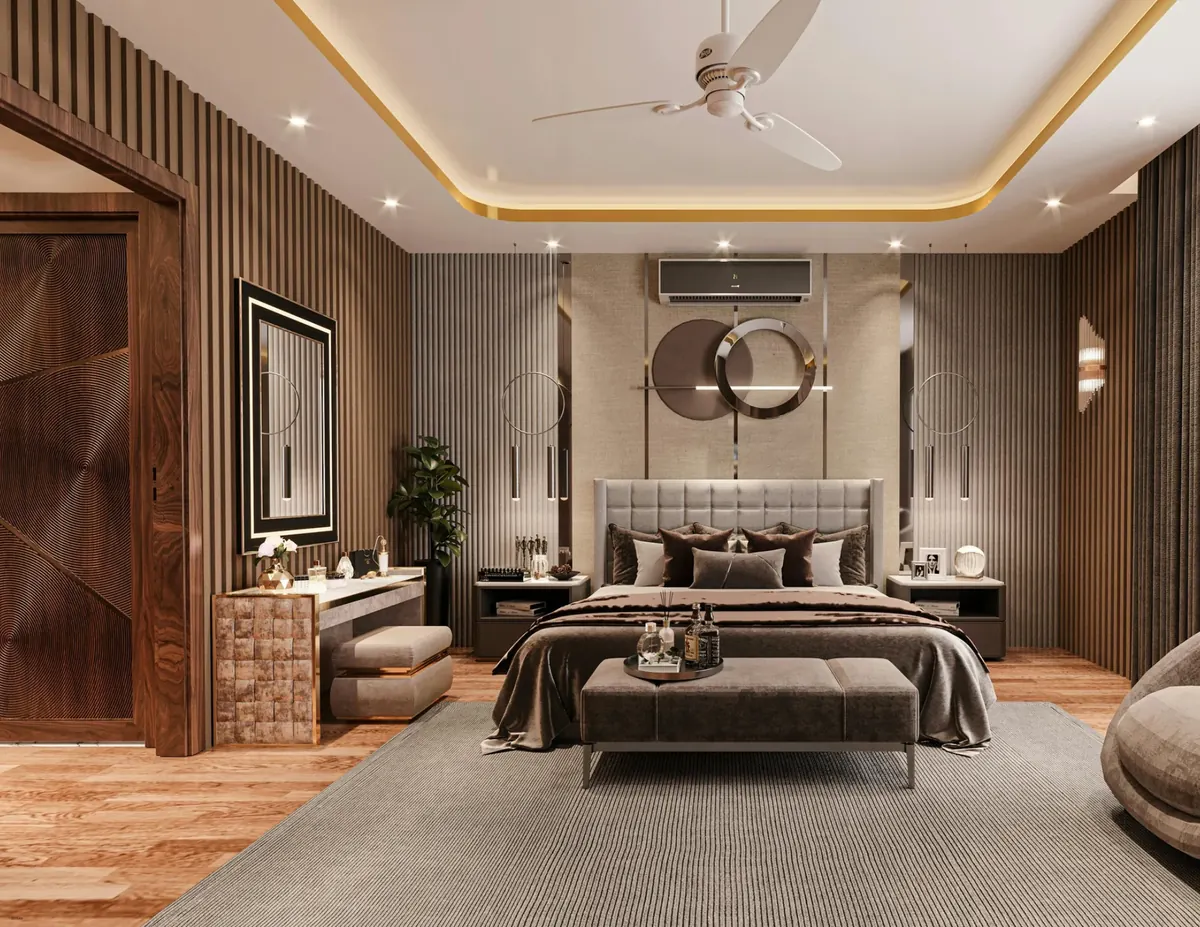
Luxury residential
Estates, townhouses and high-end renovations. The walkthrough is the quiet, precise record a discerning owner expects, and the presentation a broker can send with confidence.

Healthcare
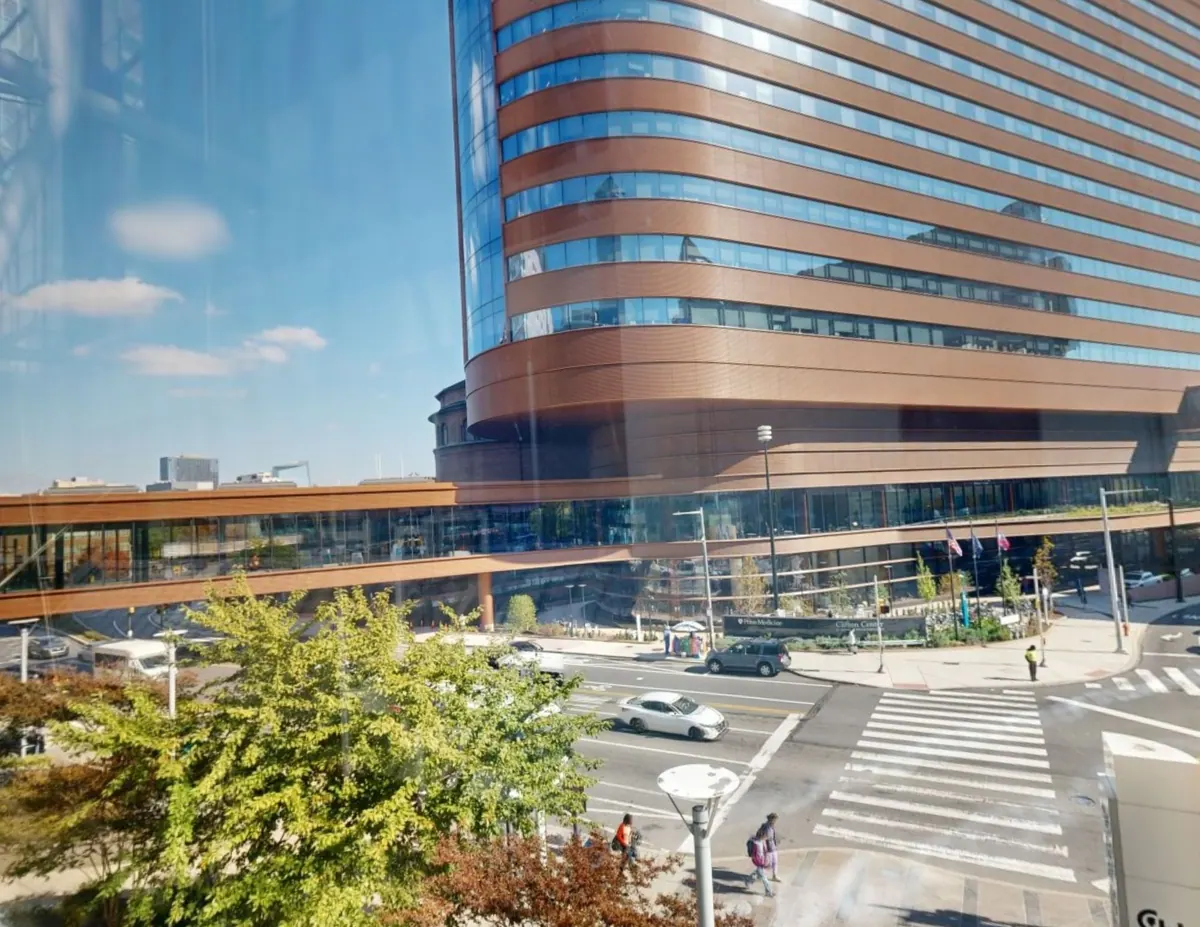
Hospitals, clinics and care facilities. Wards, corridors and plant rooms documented so planners, contractors and compliance teams can work from the record rather than the floor.
Where a scan goes
Any building. Any site. Any condition.
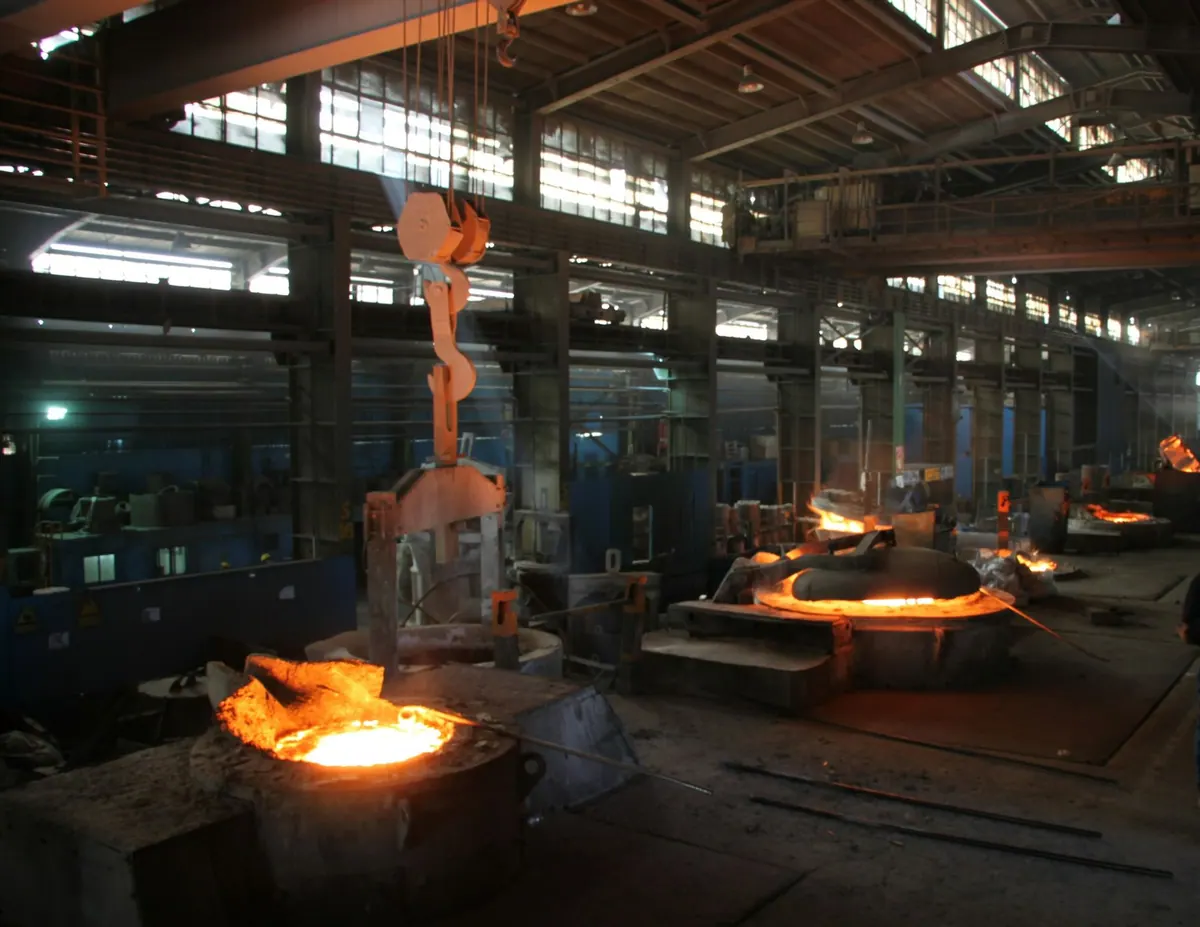


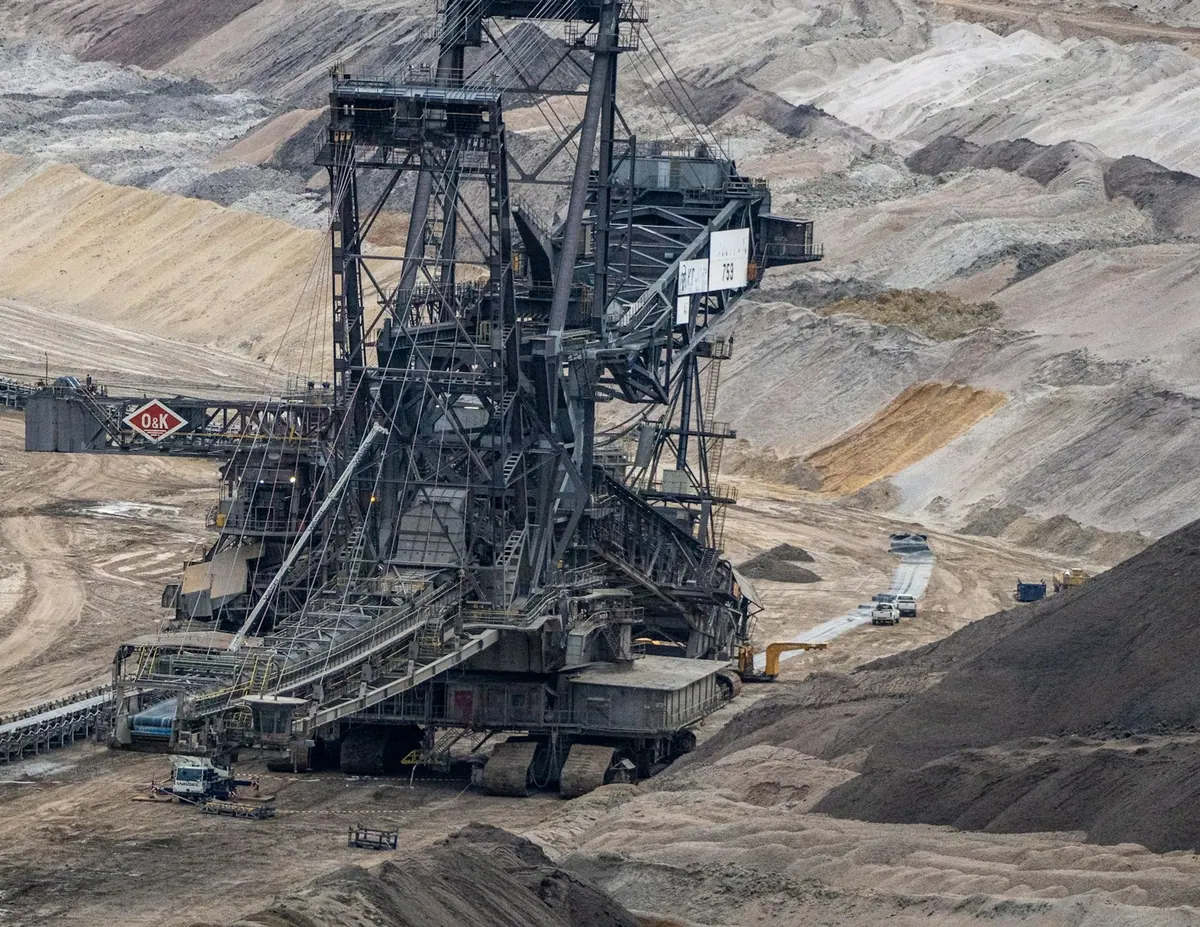
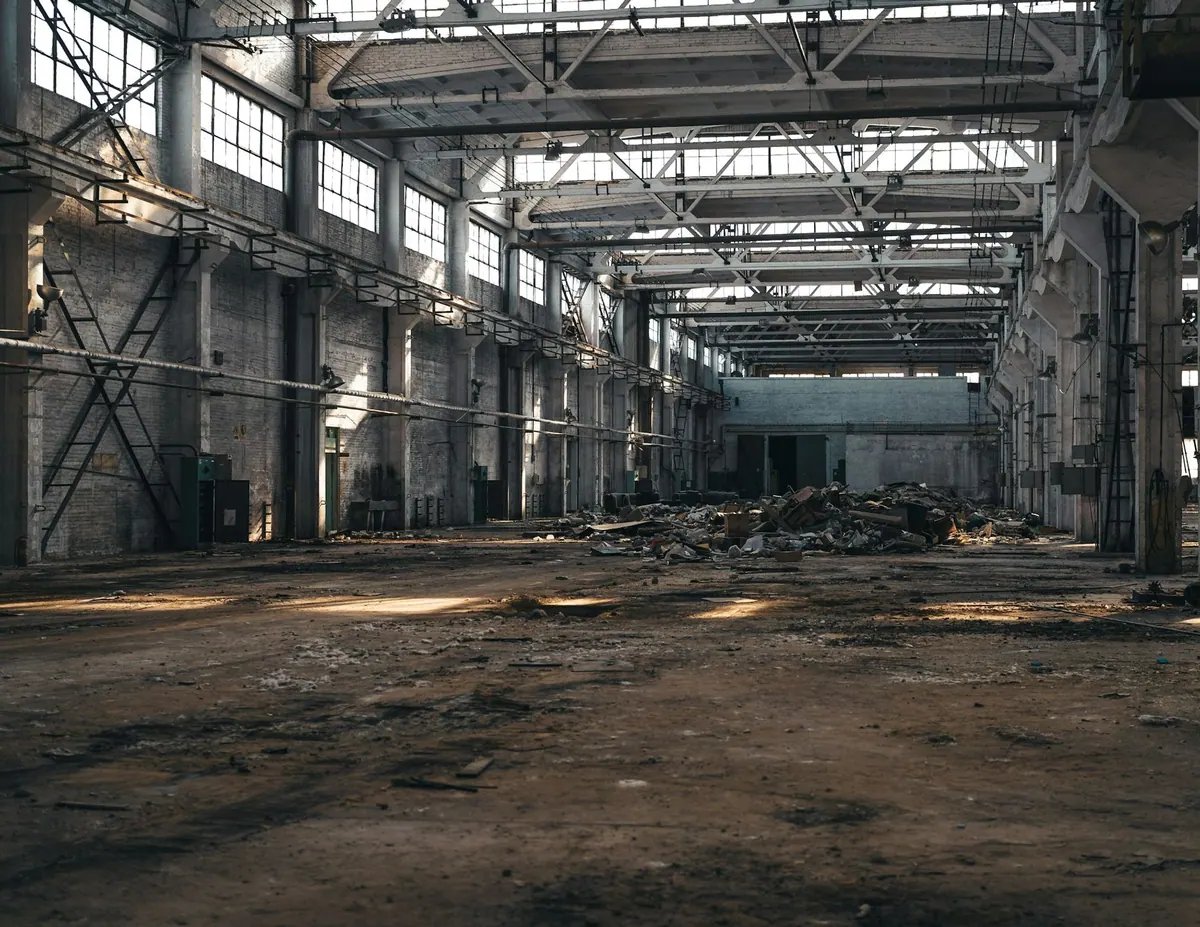


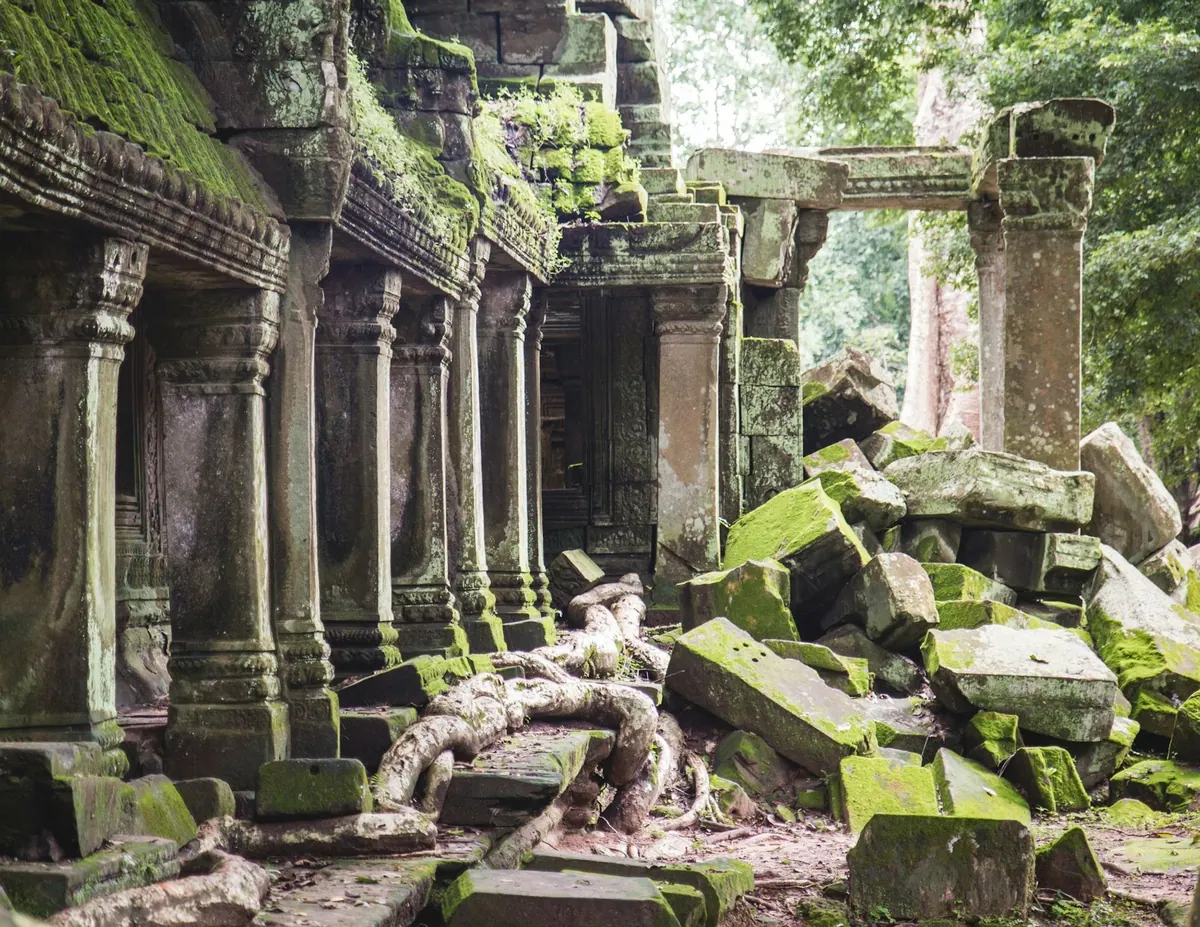
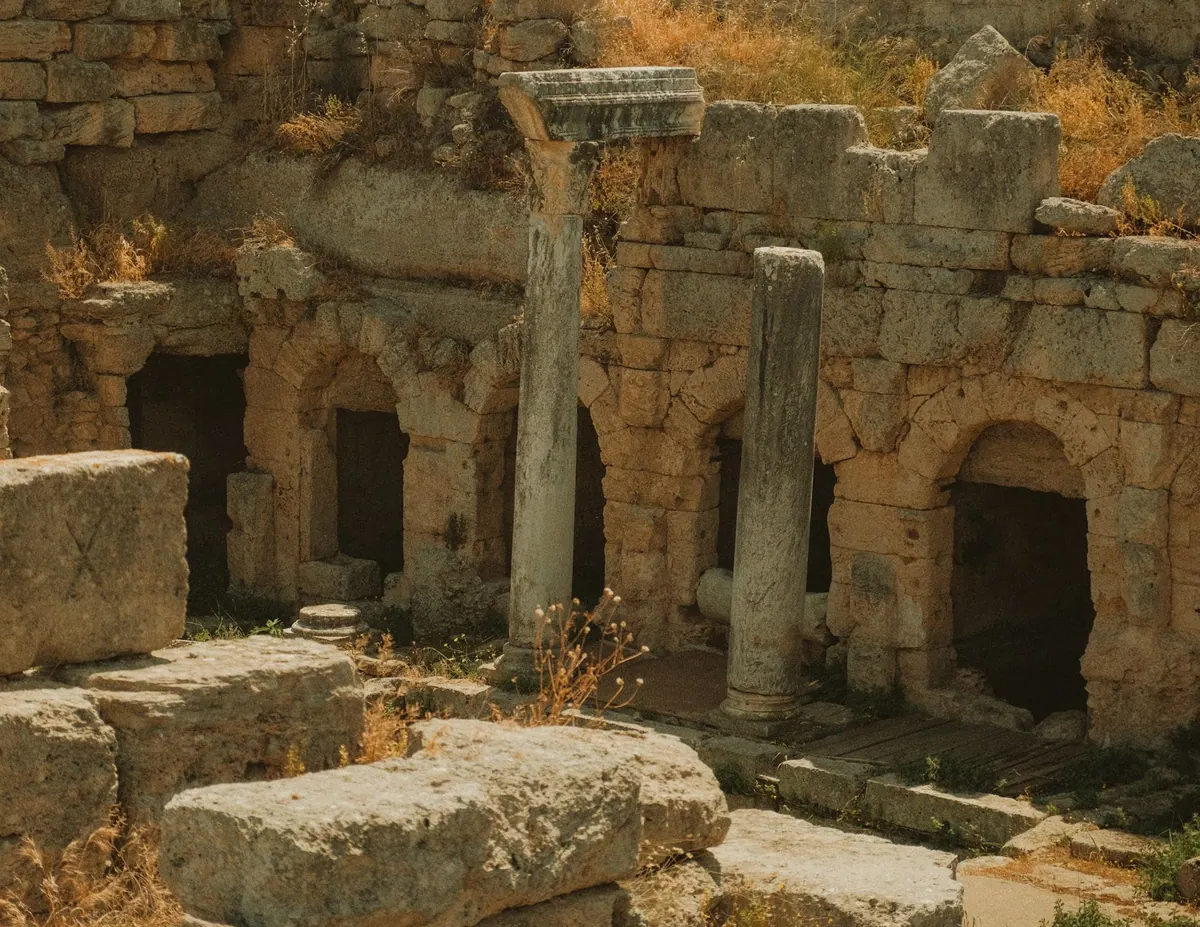
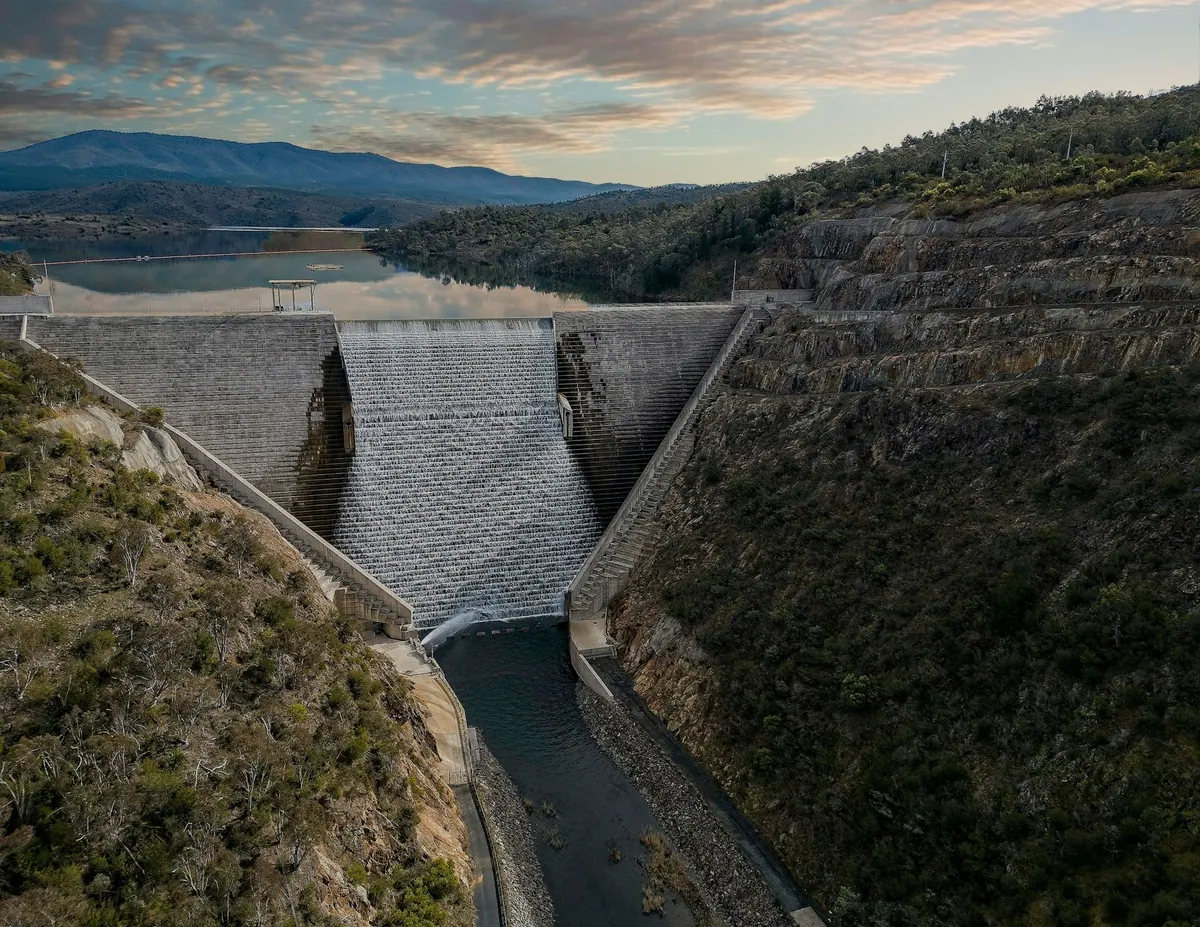

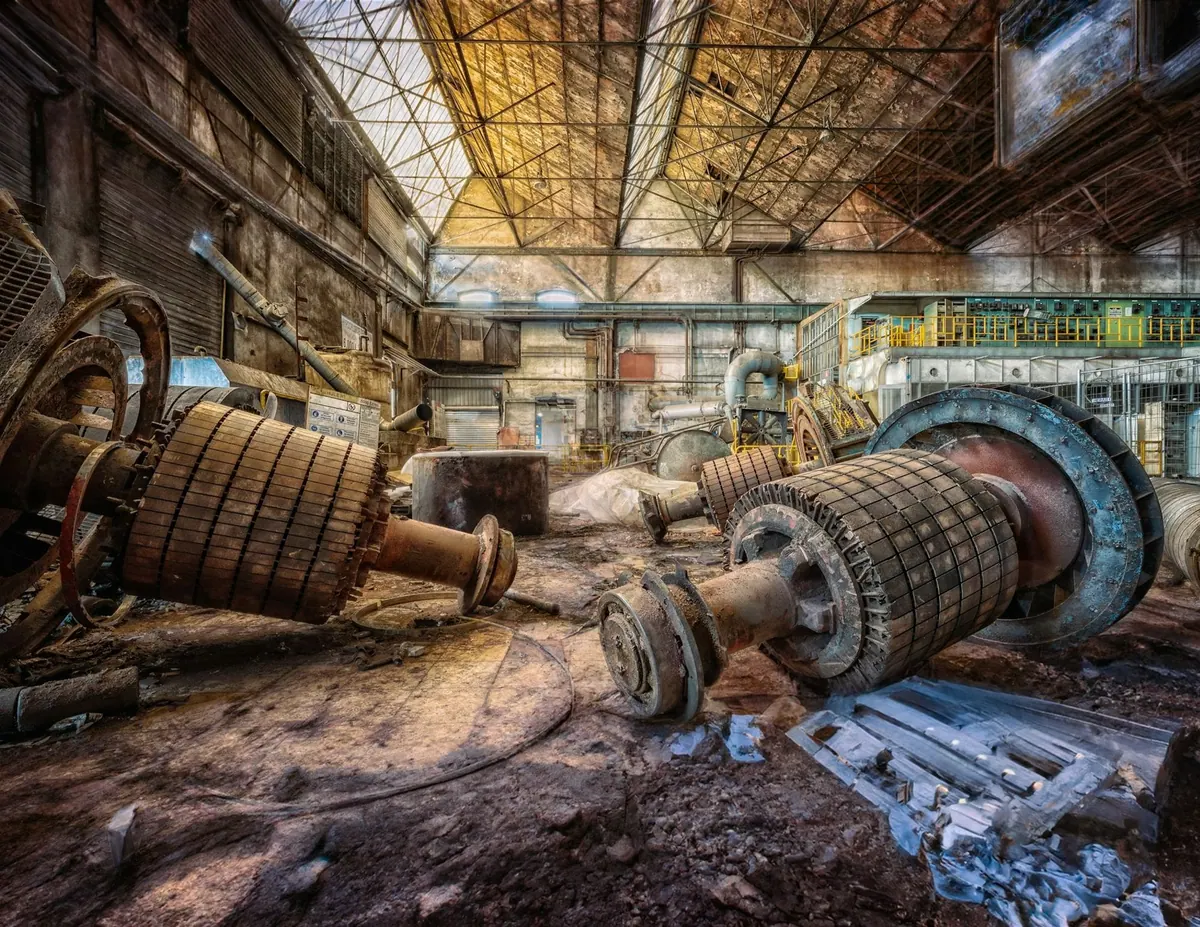
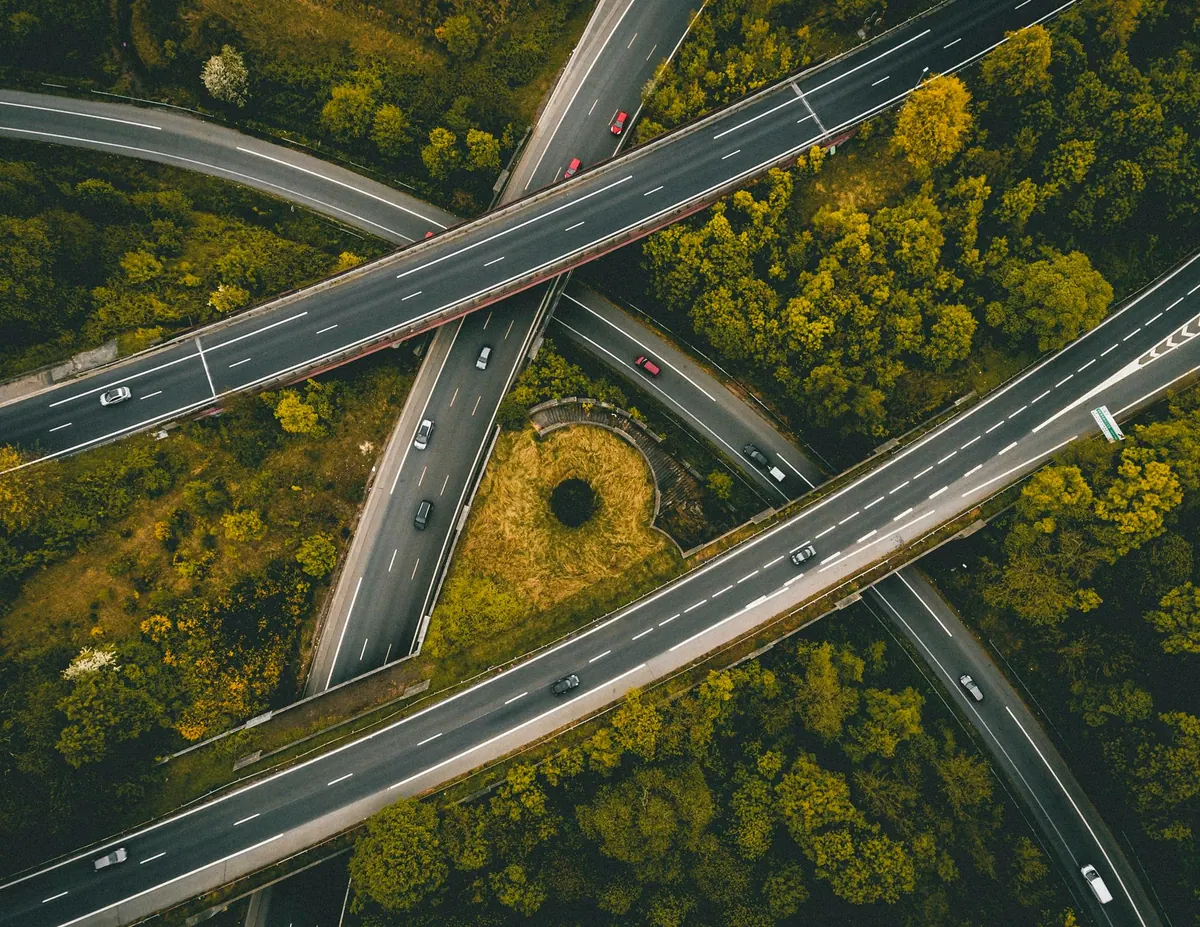
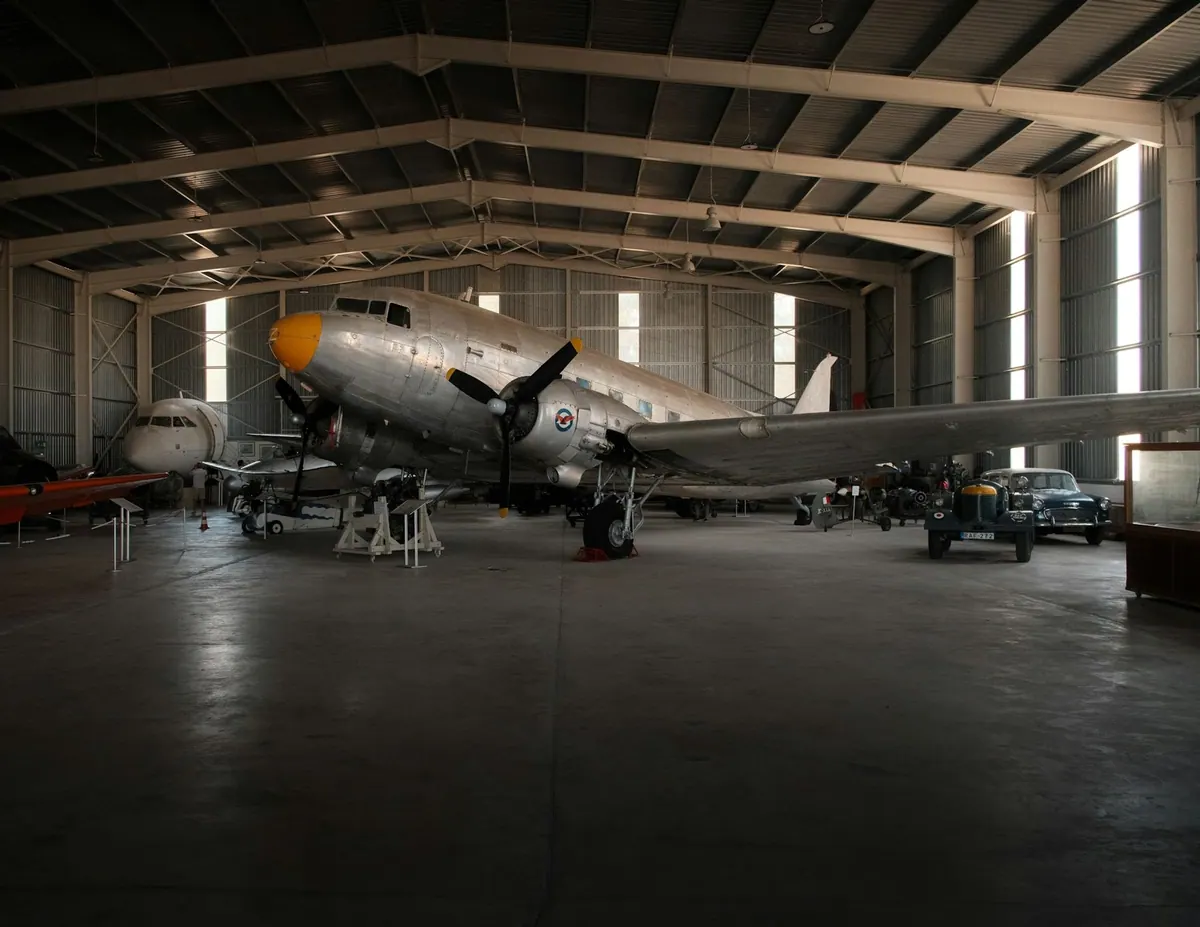



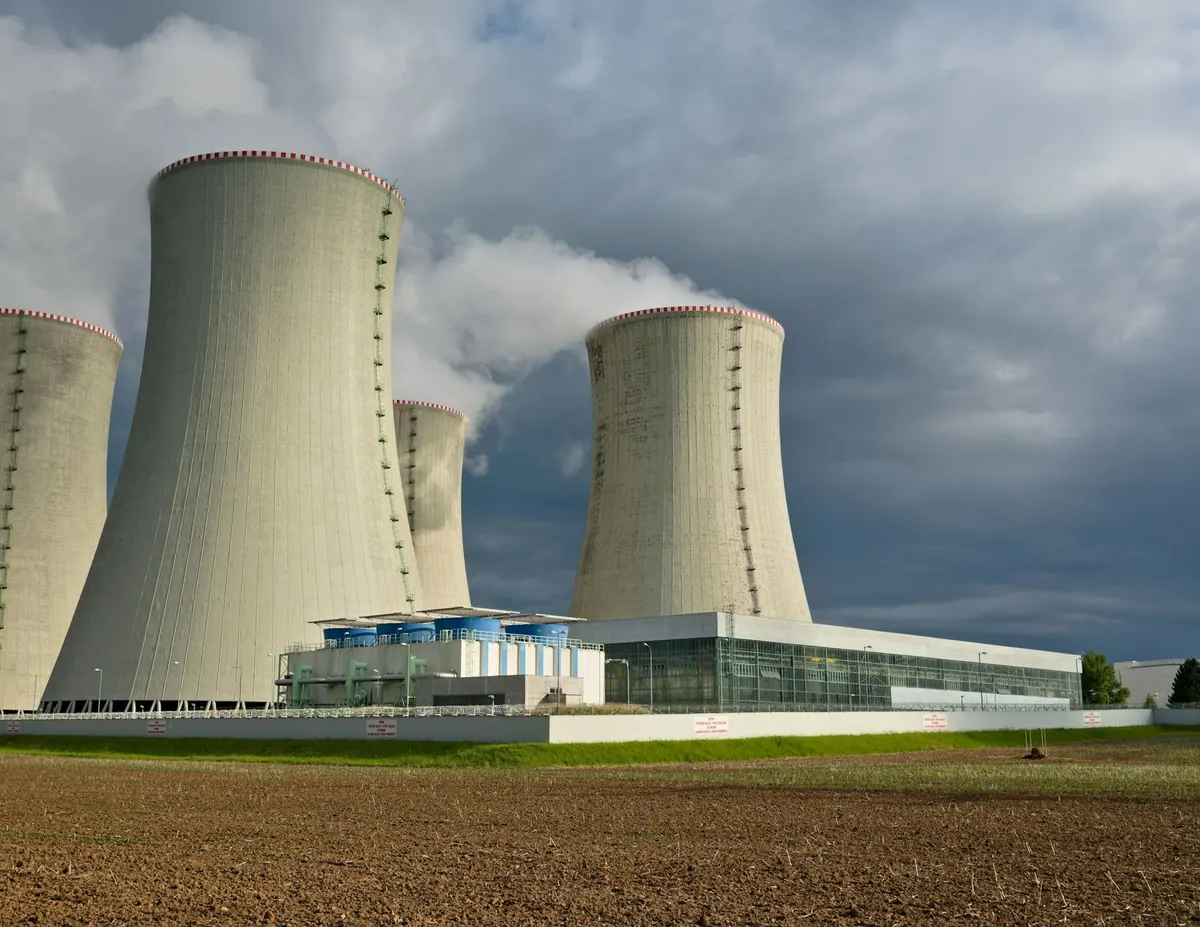
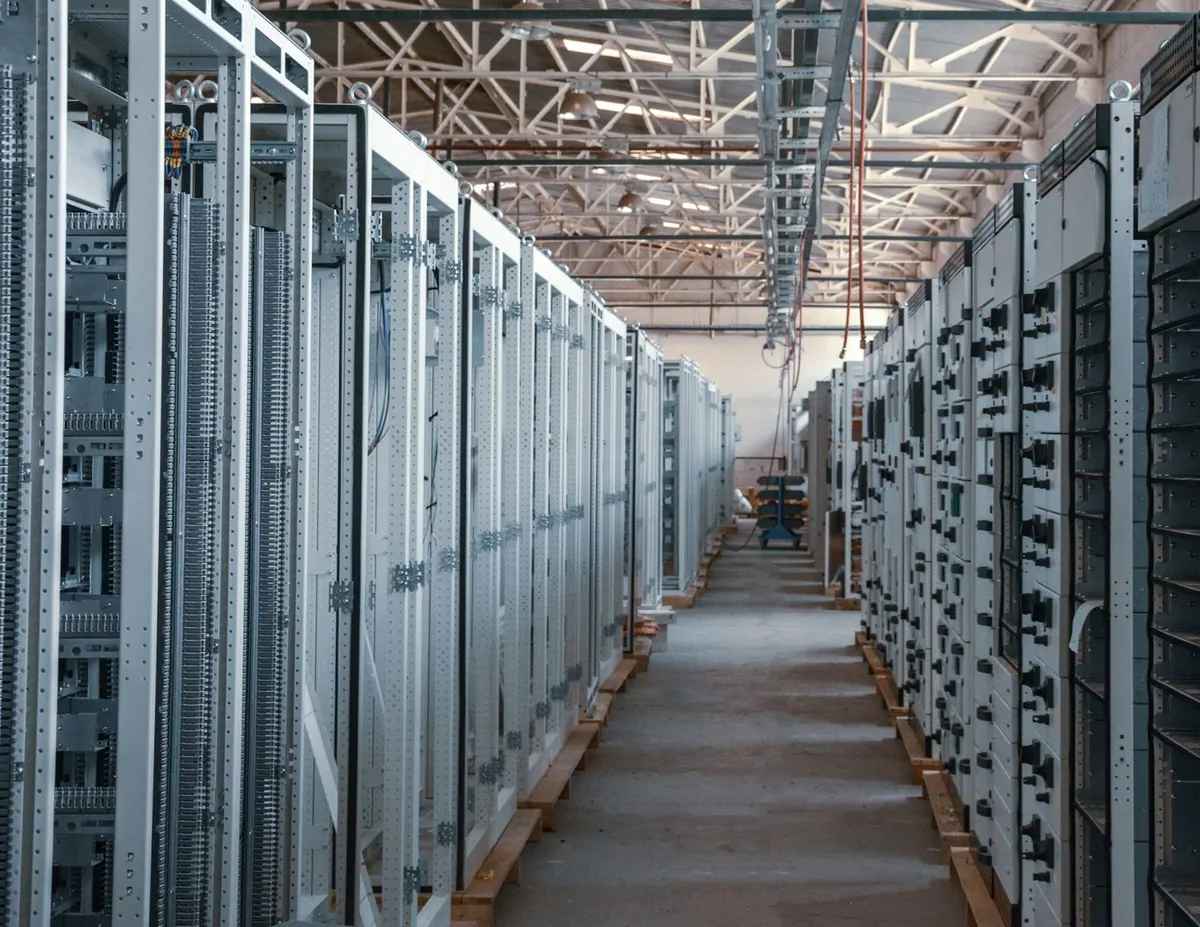

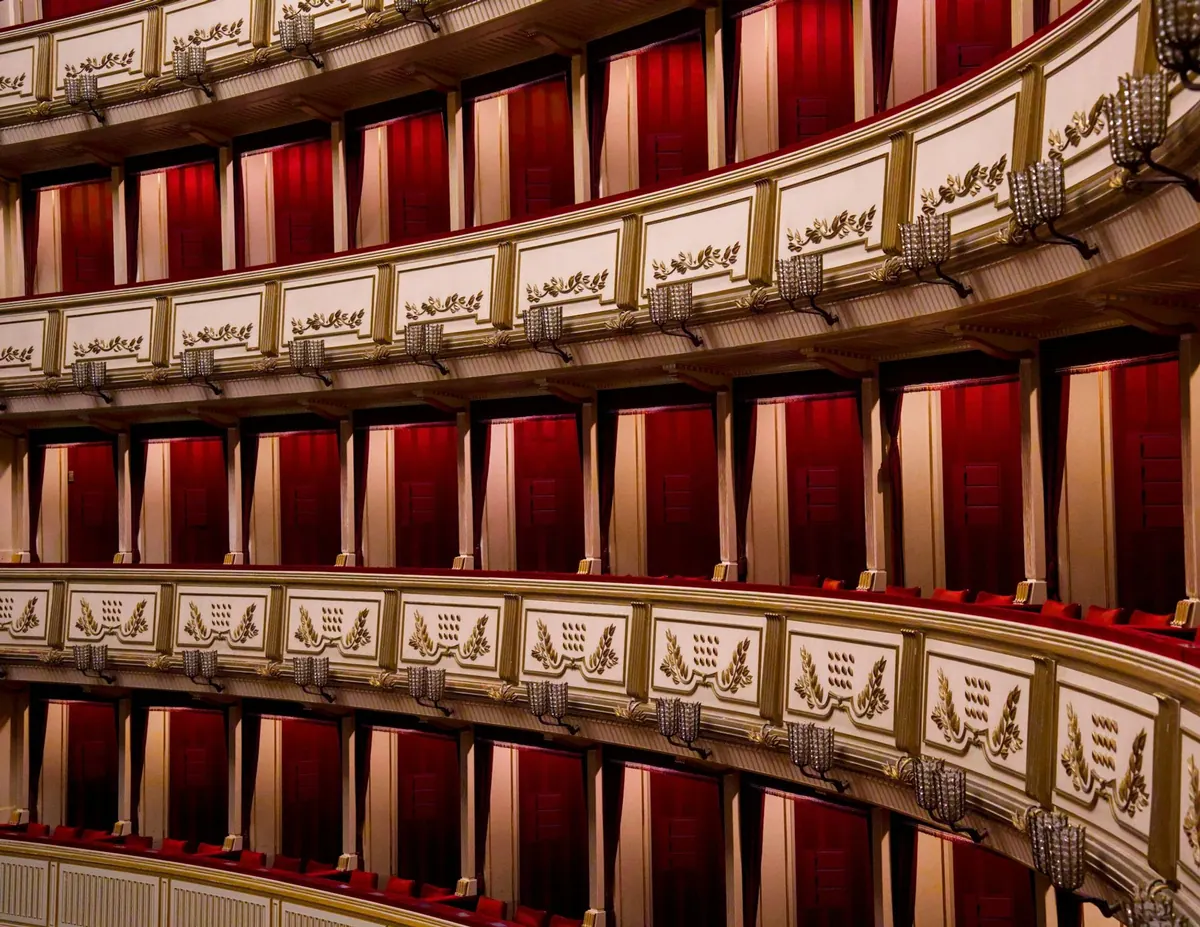

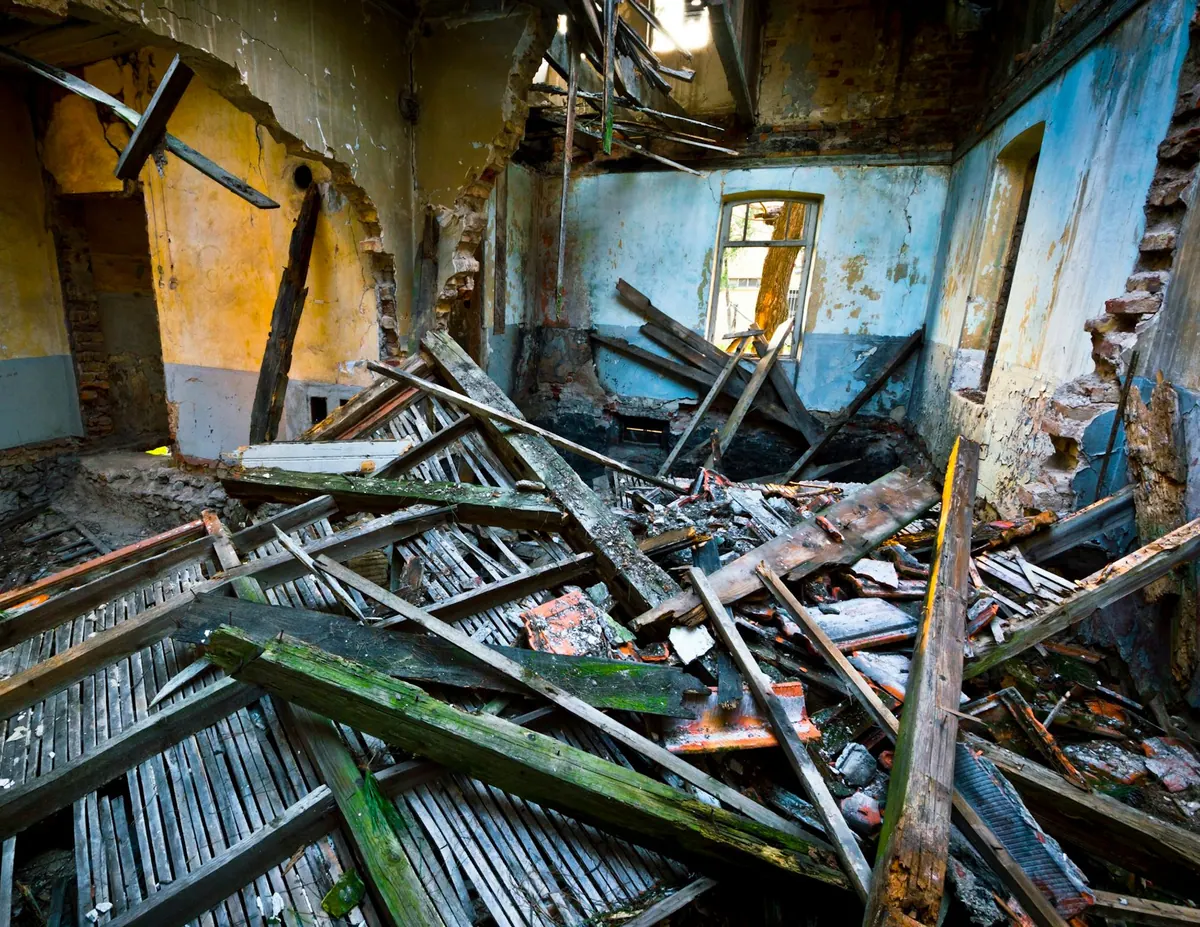
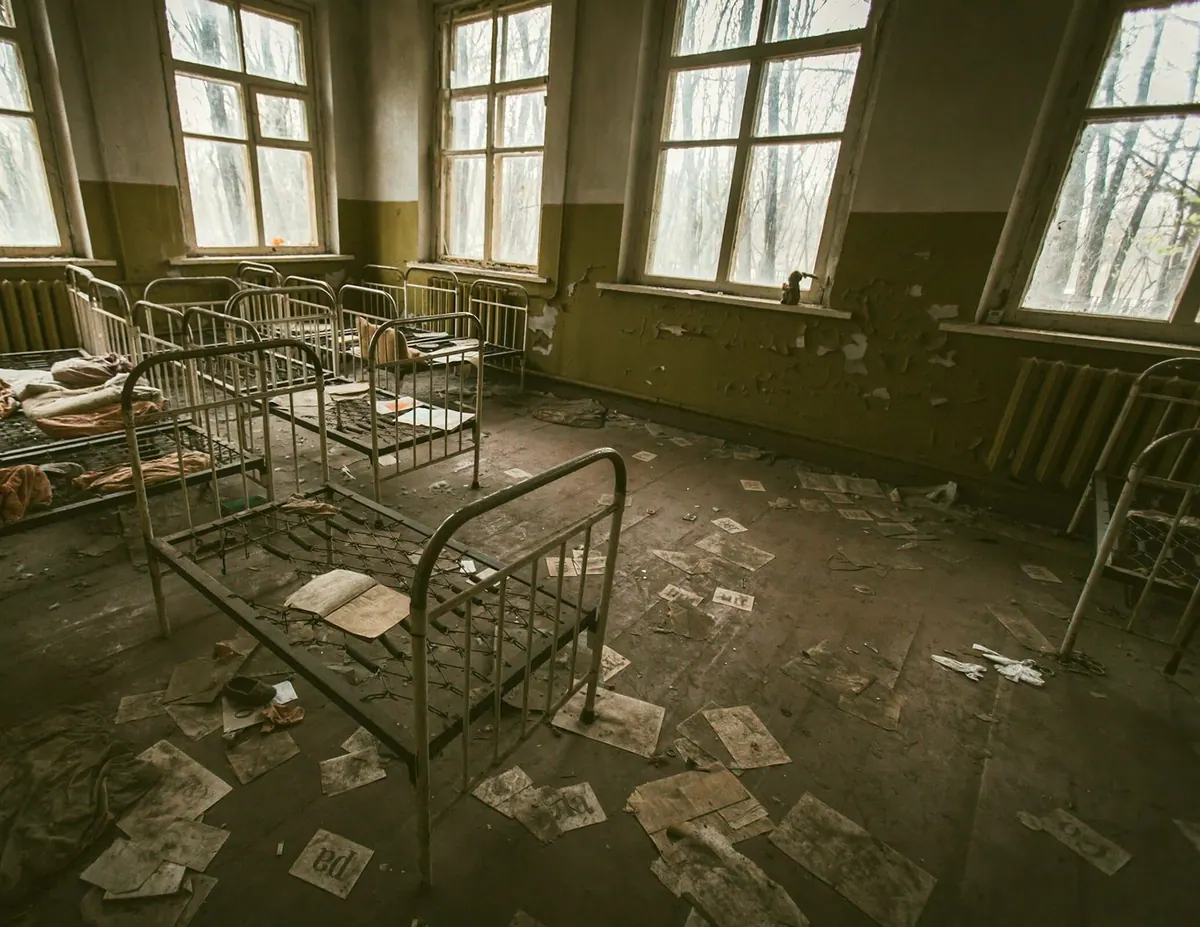

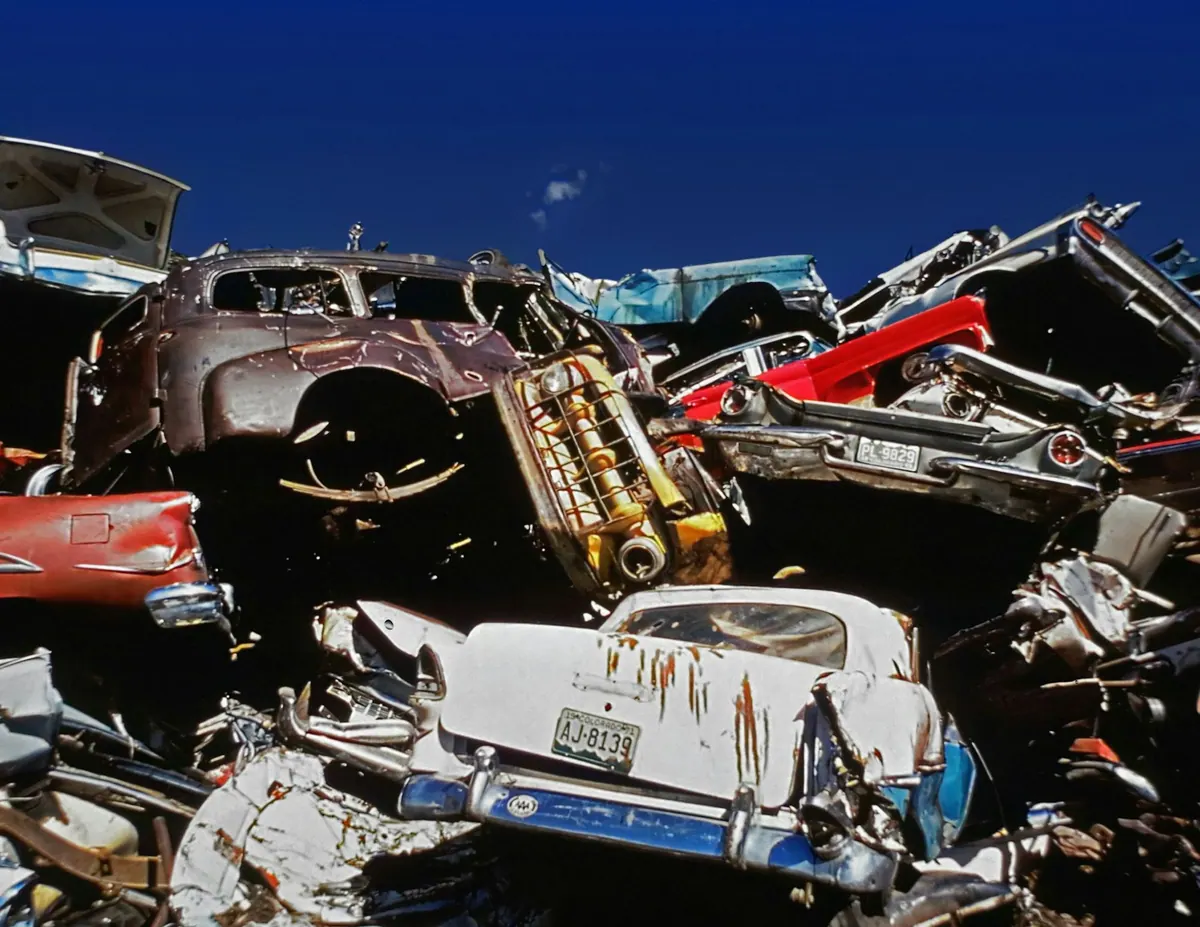
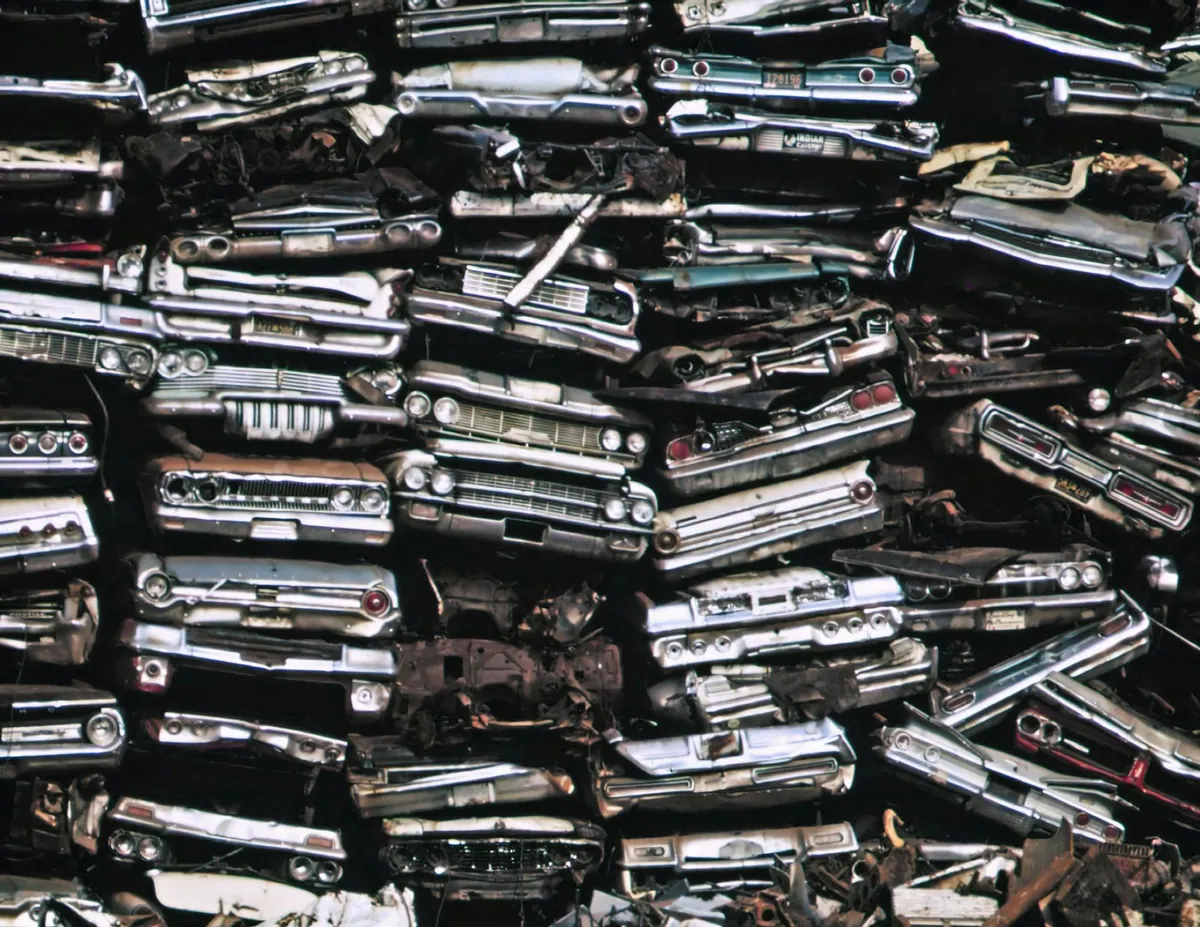
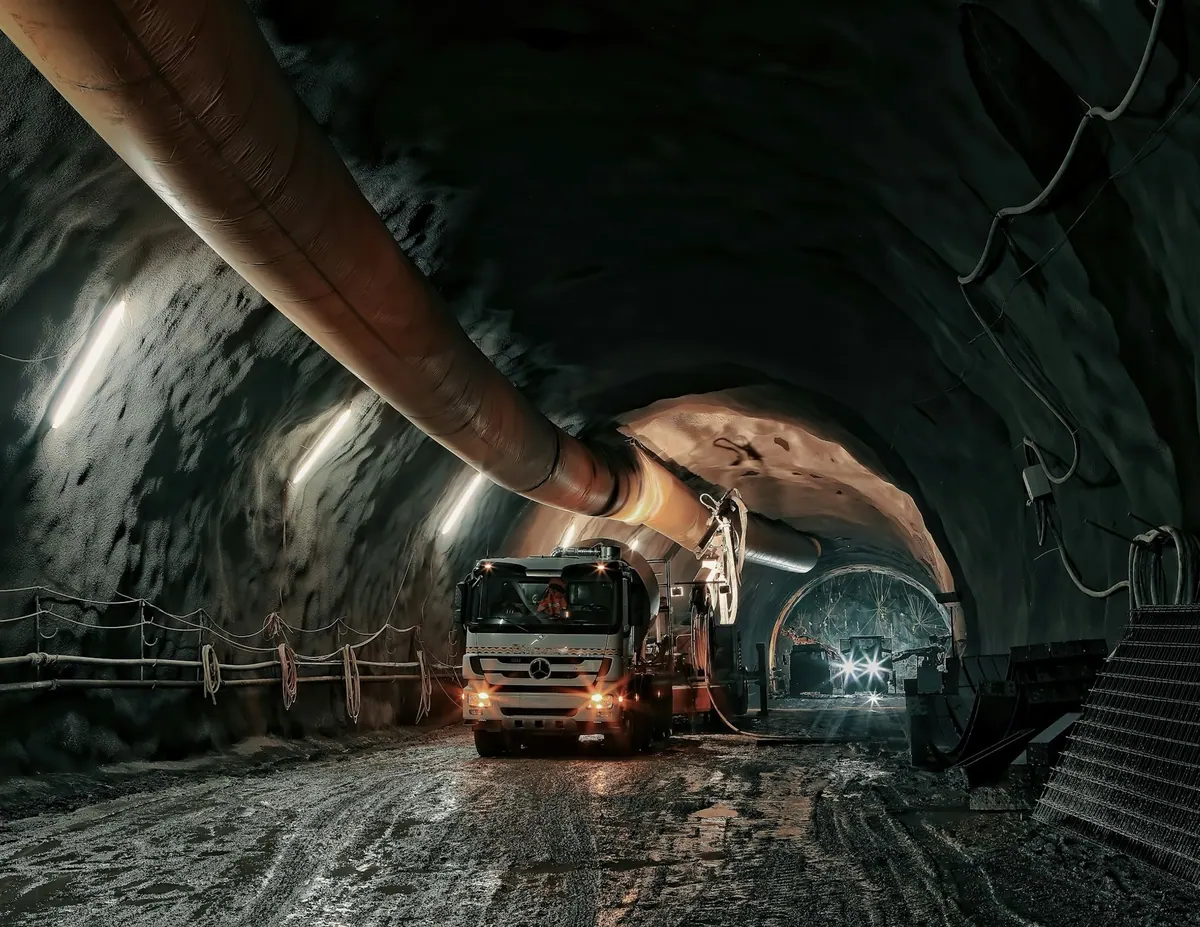
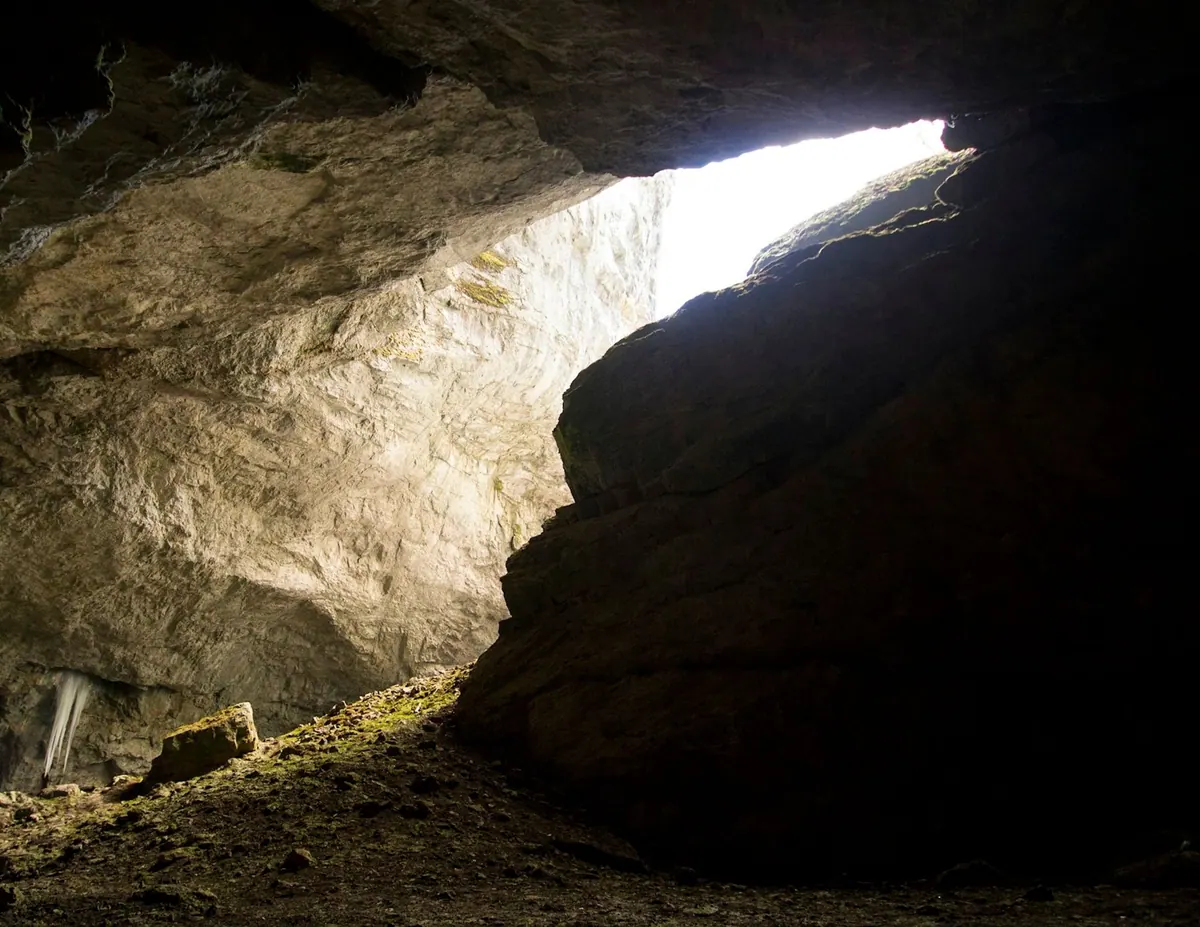
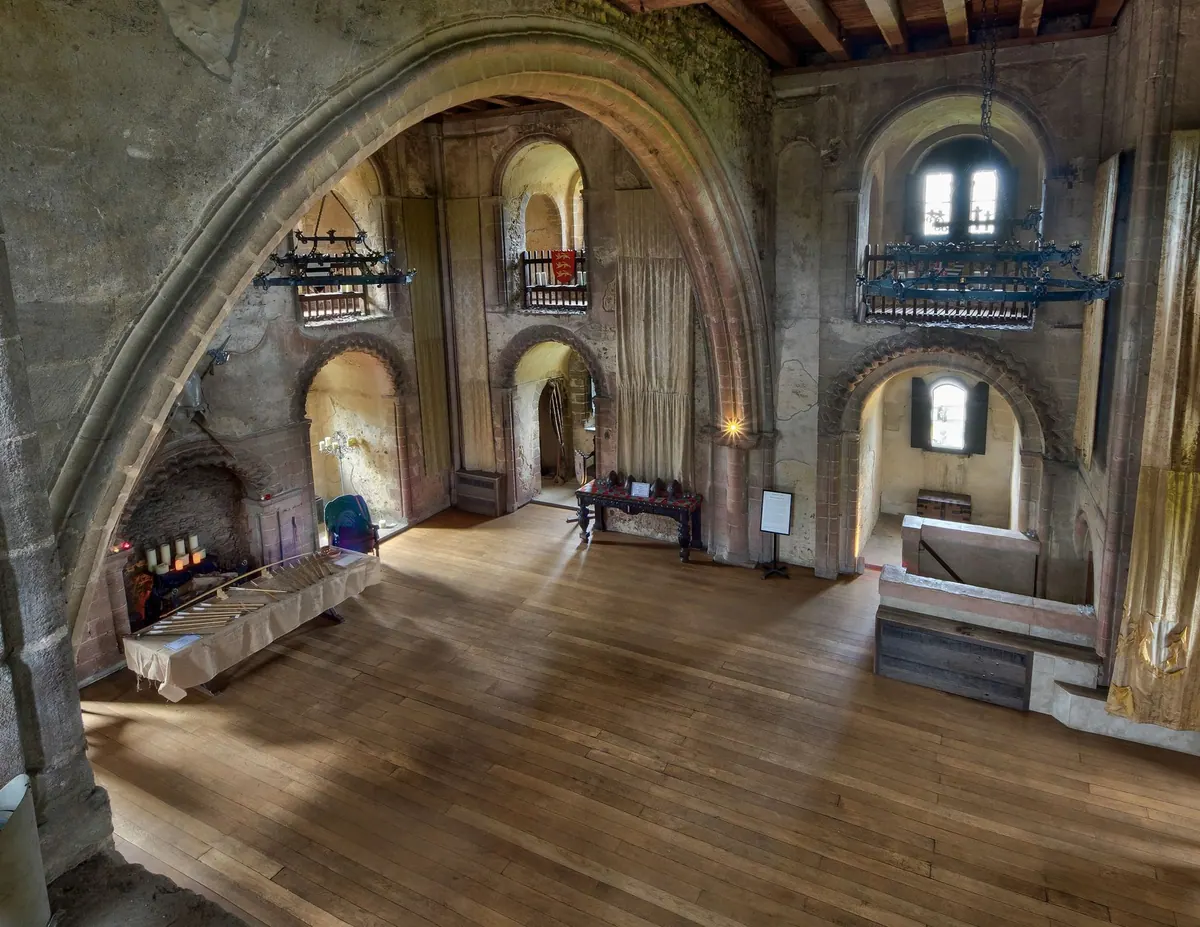
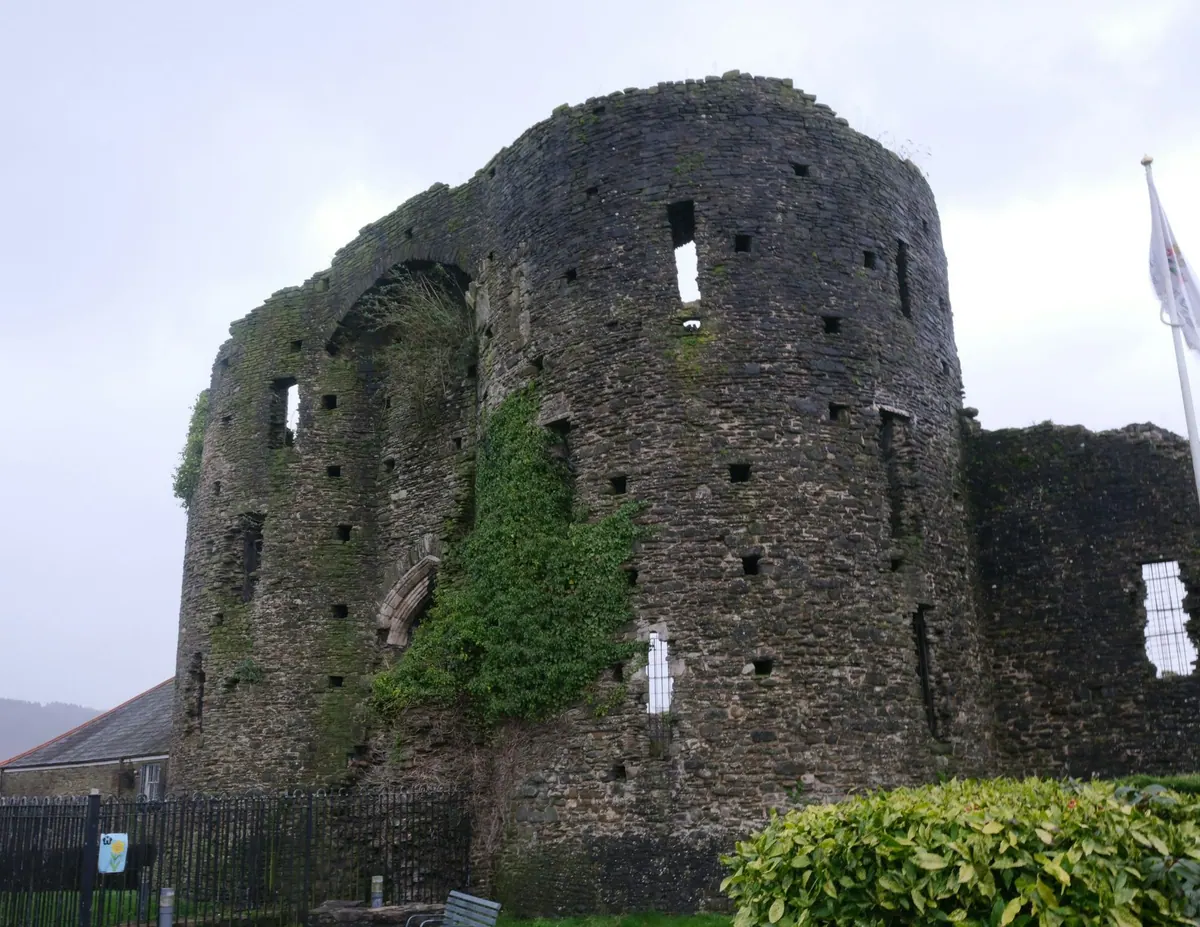
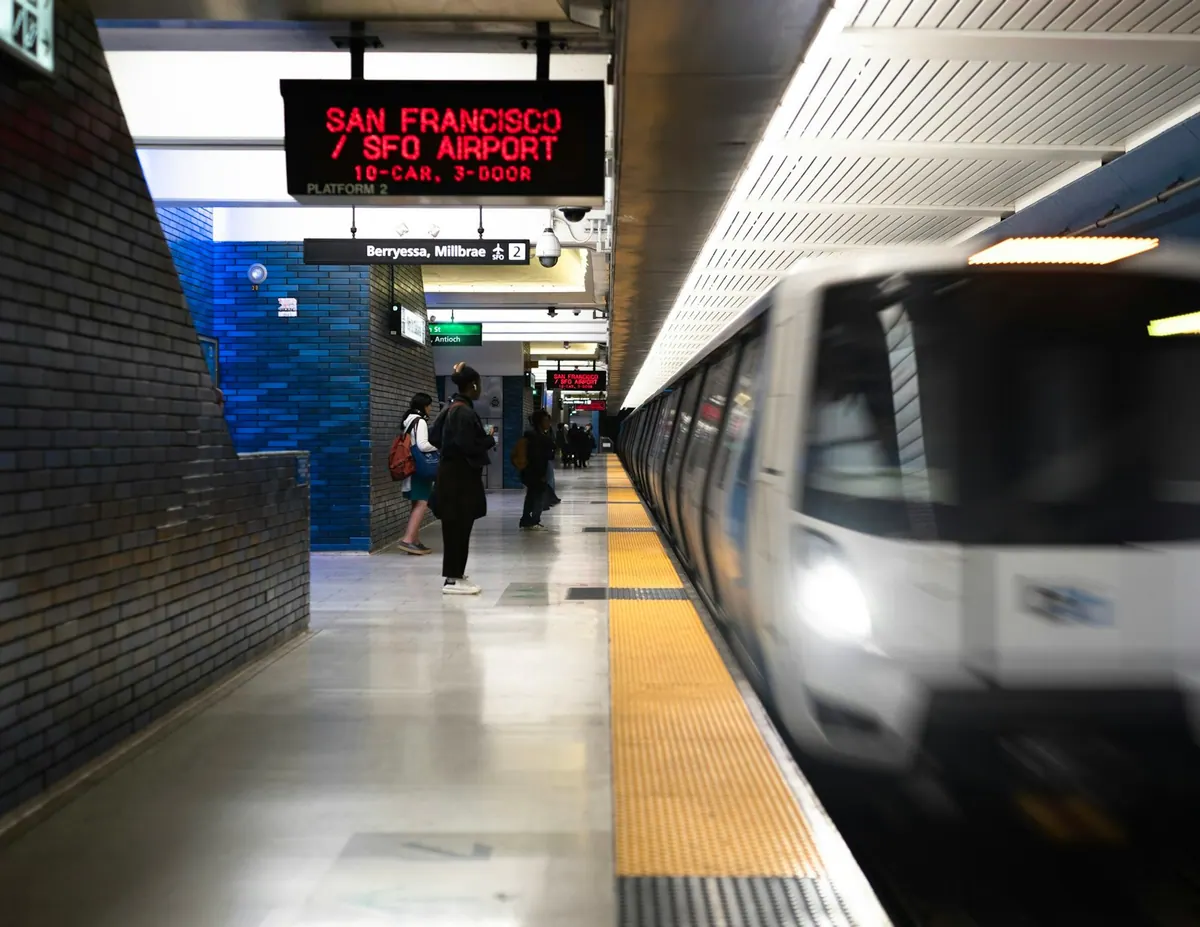
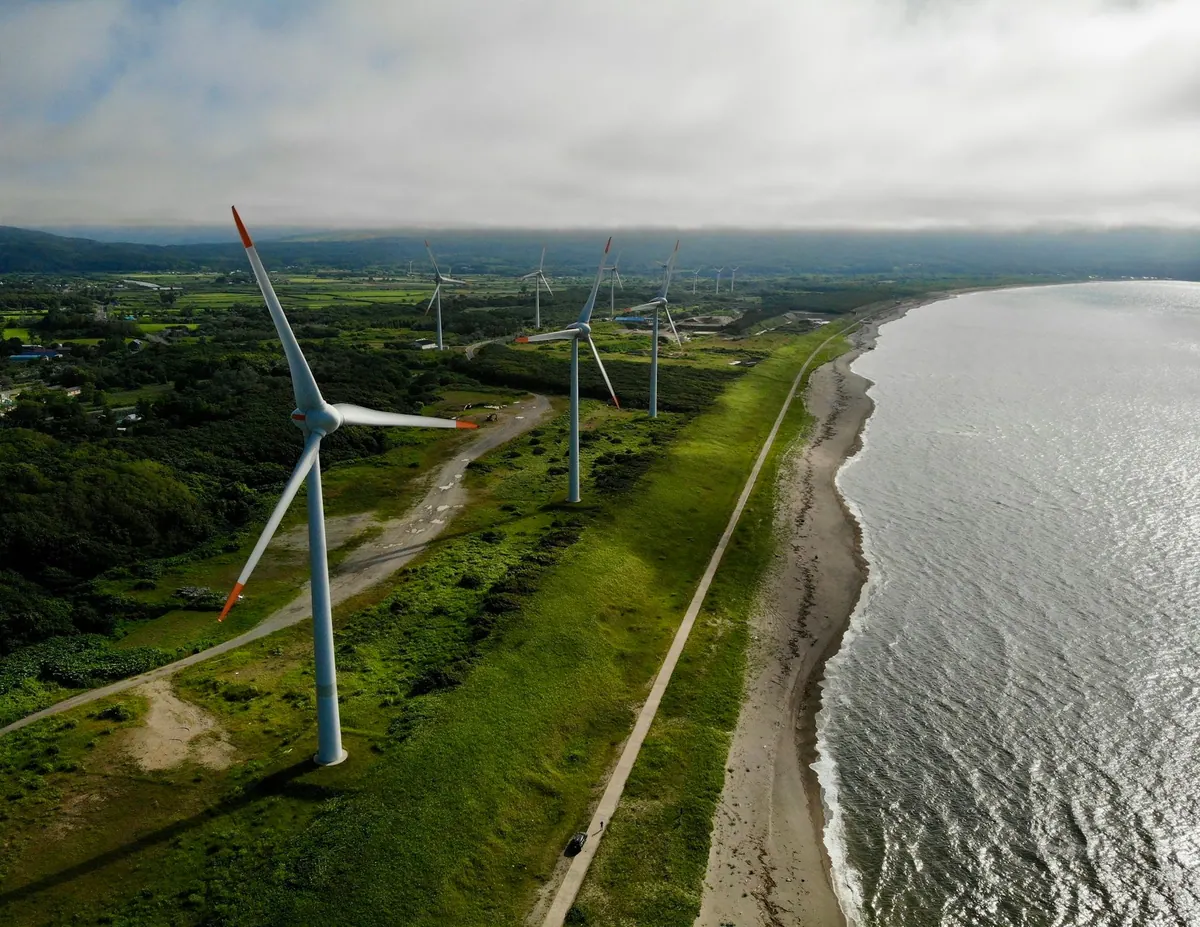

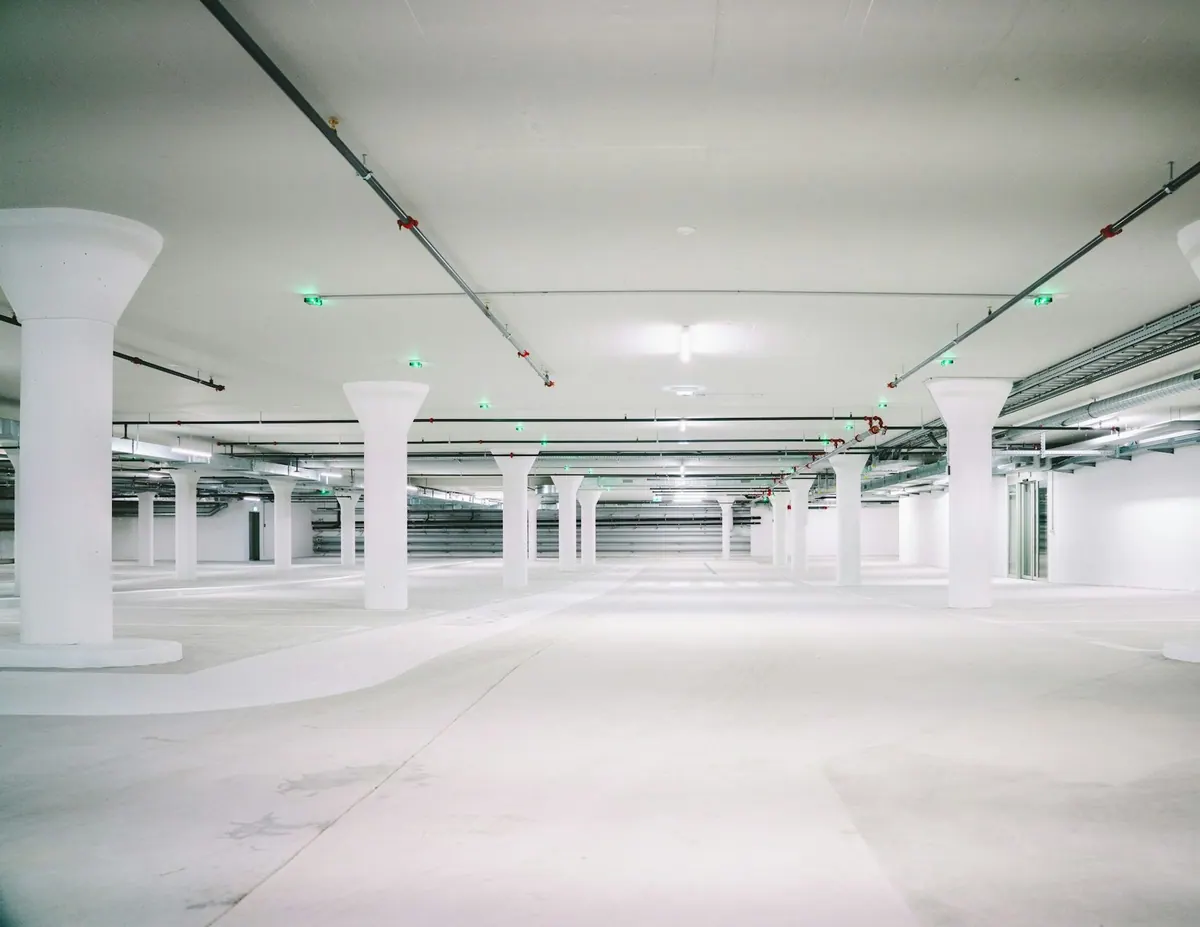
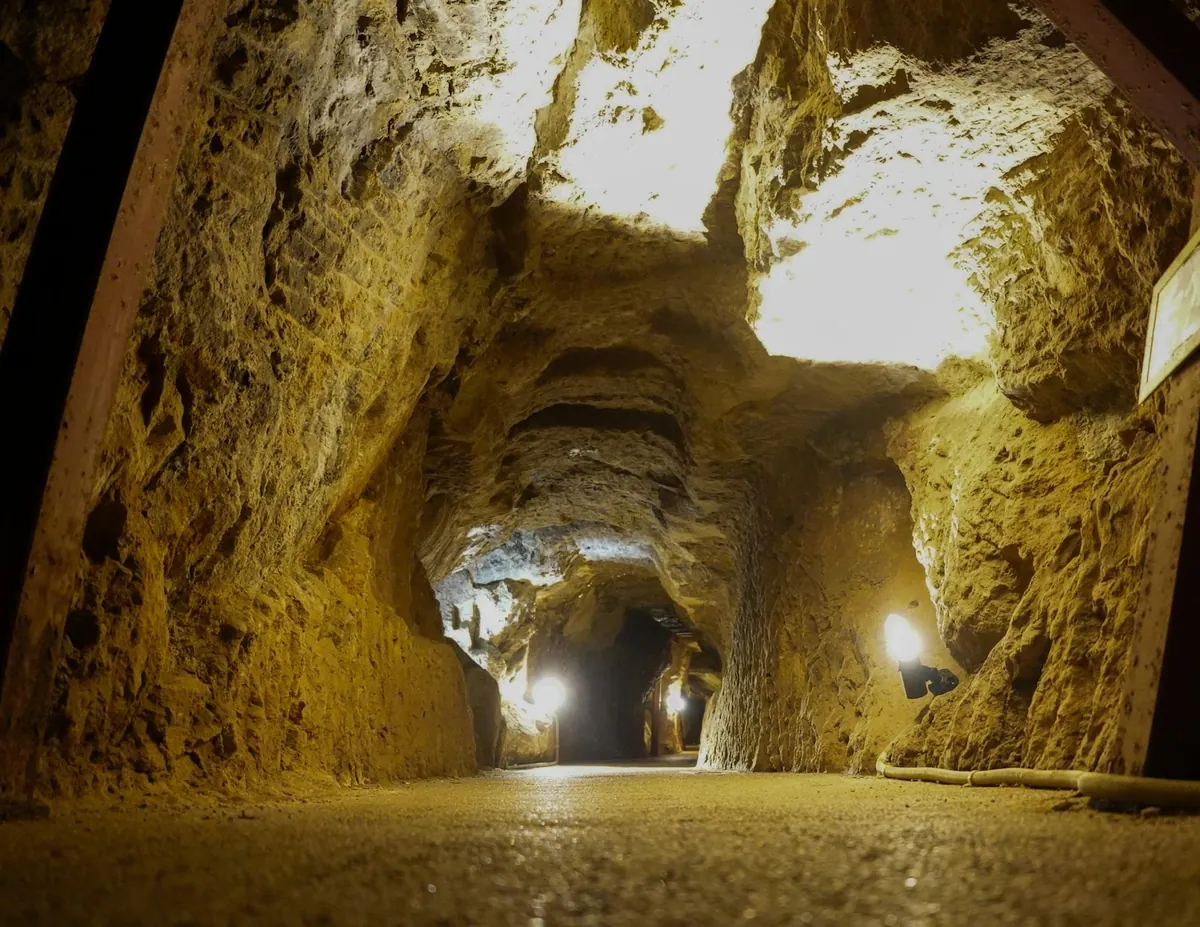
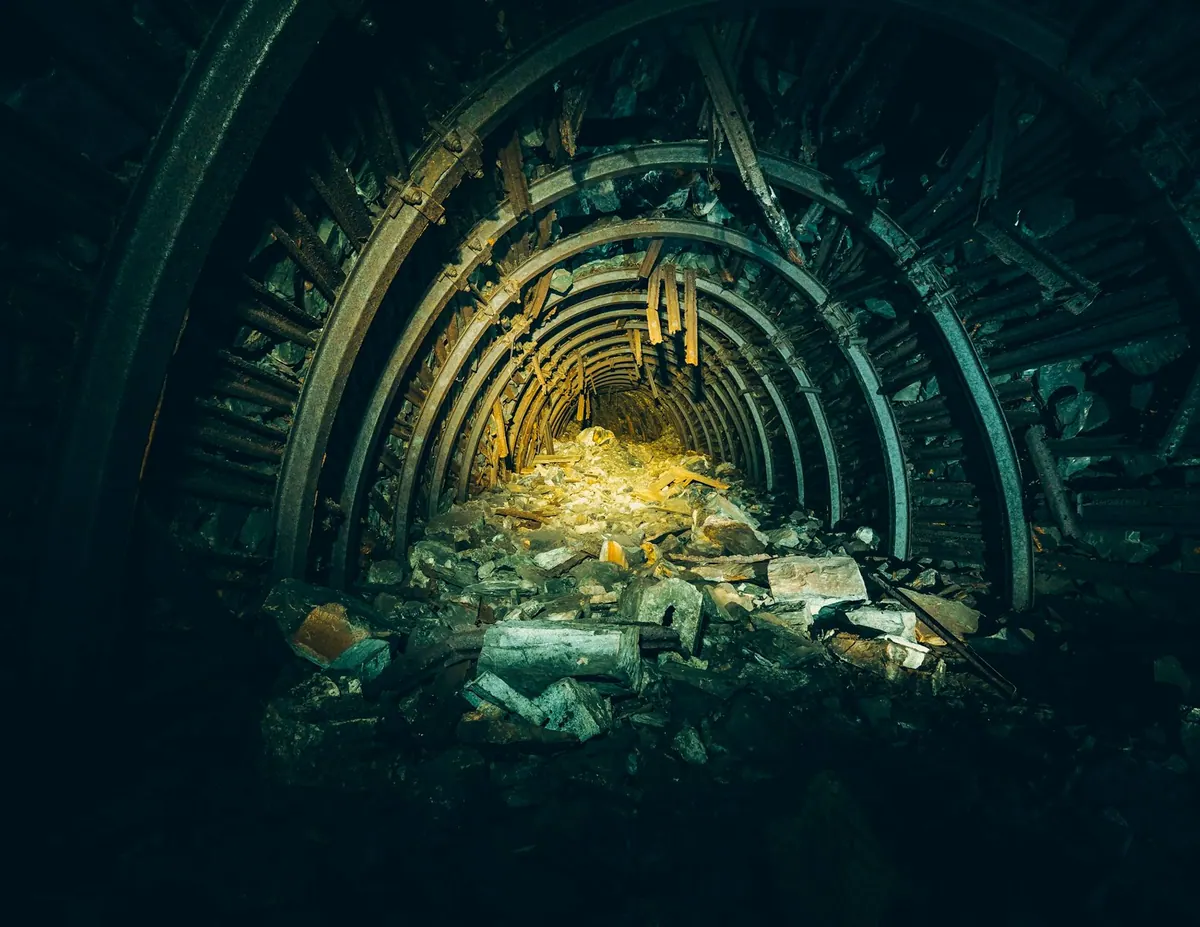
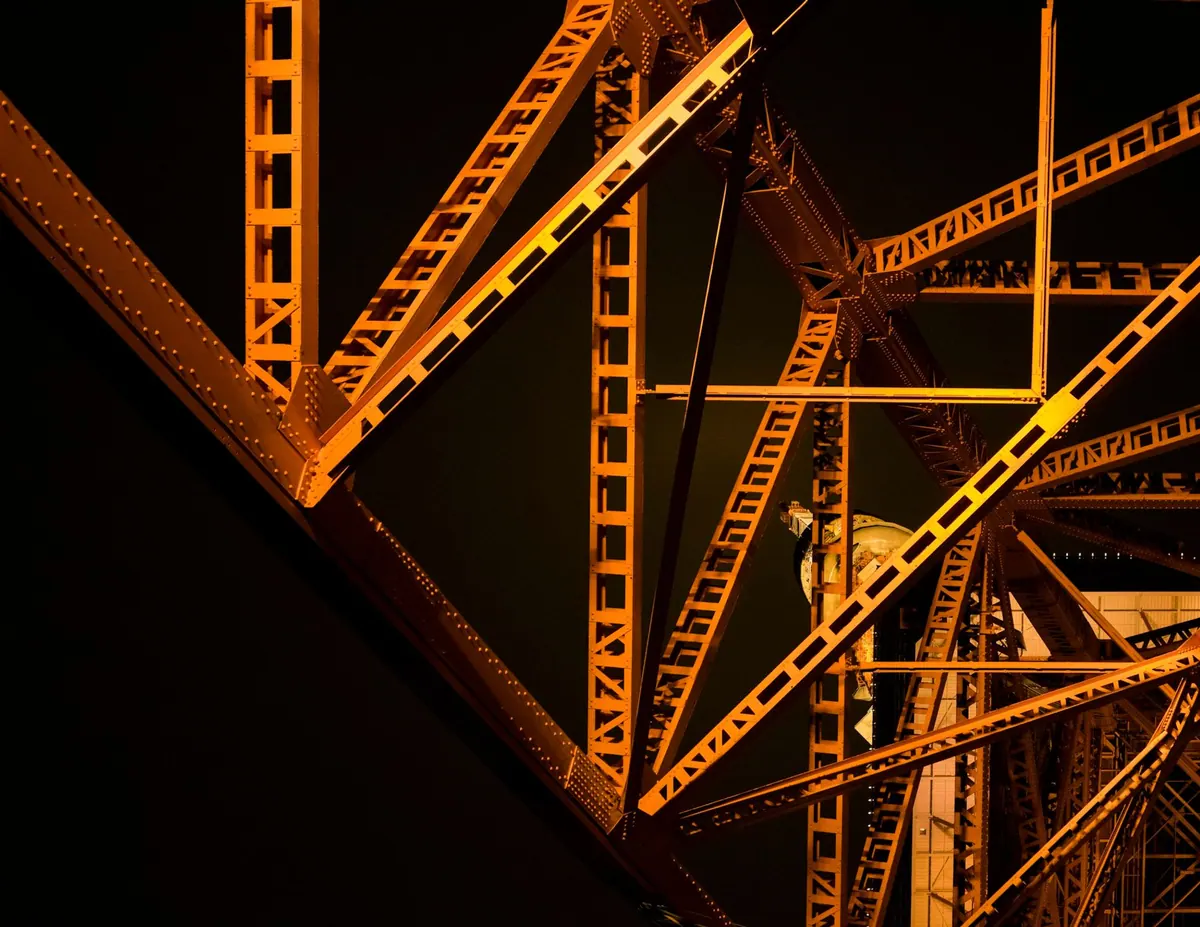
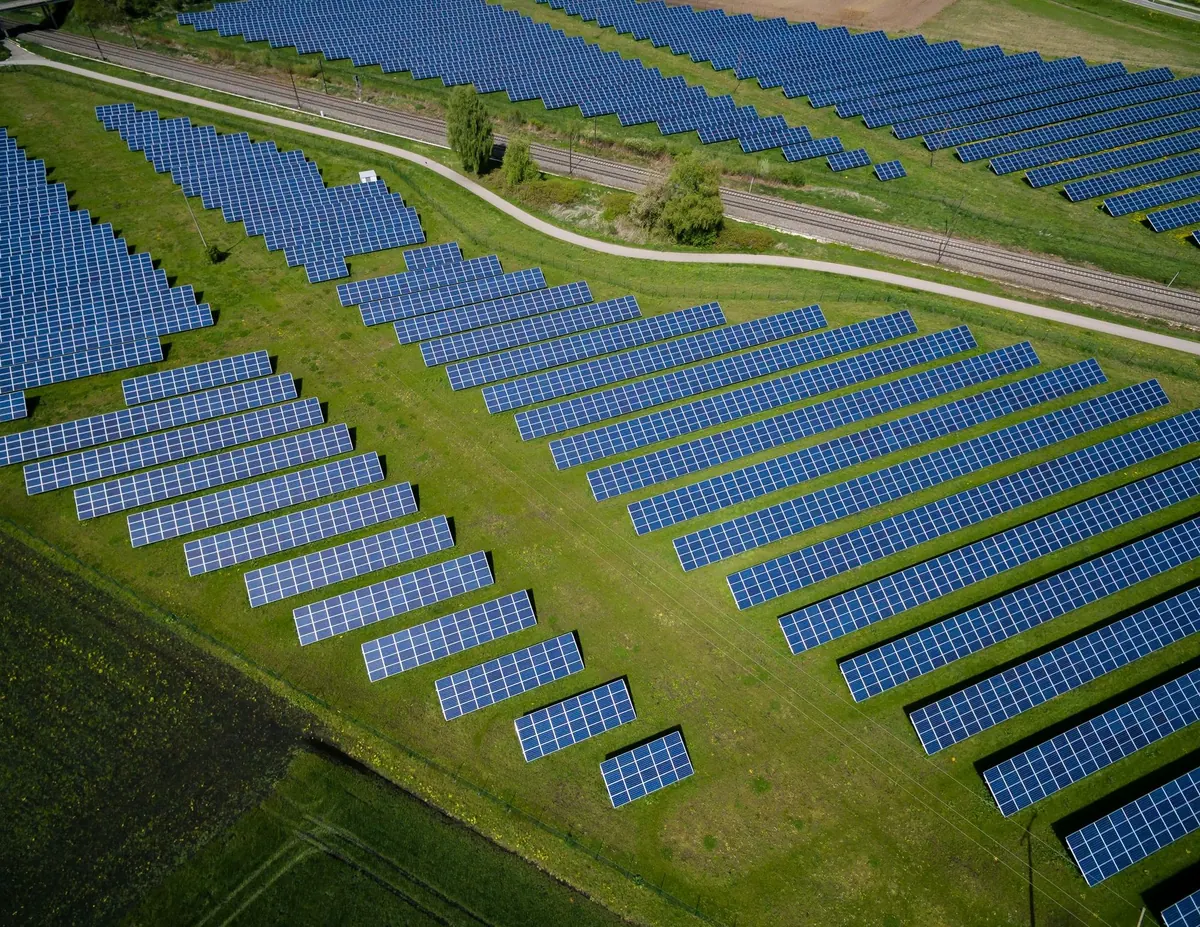
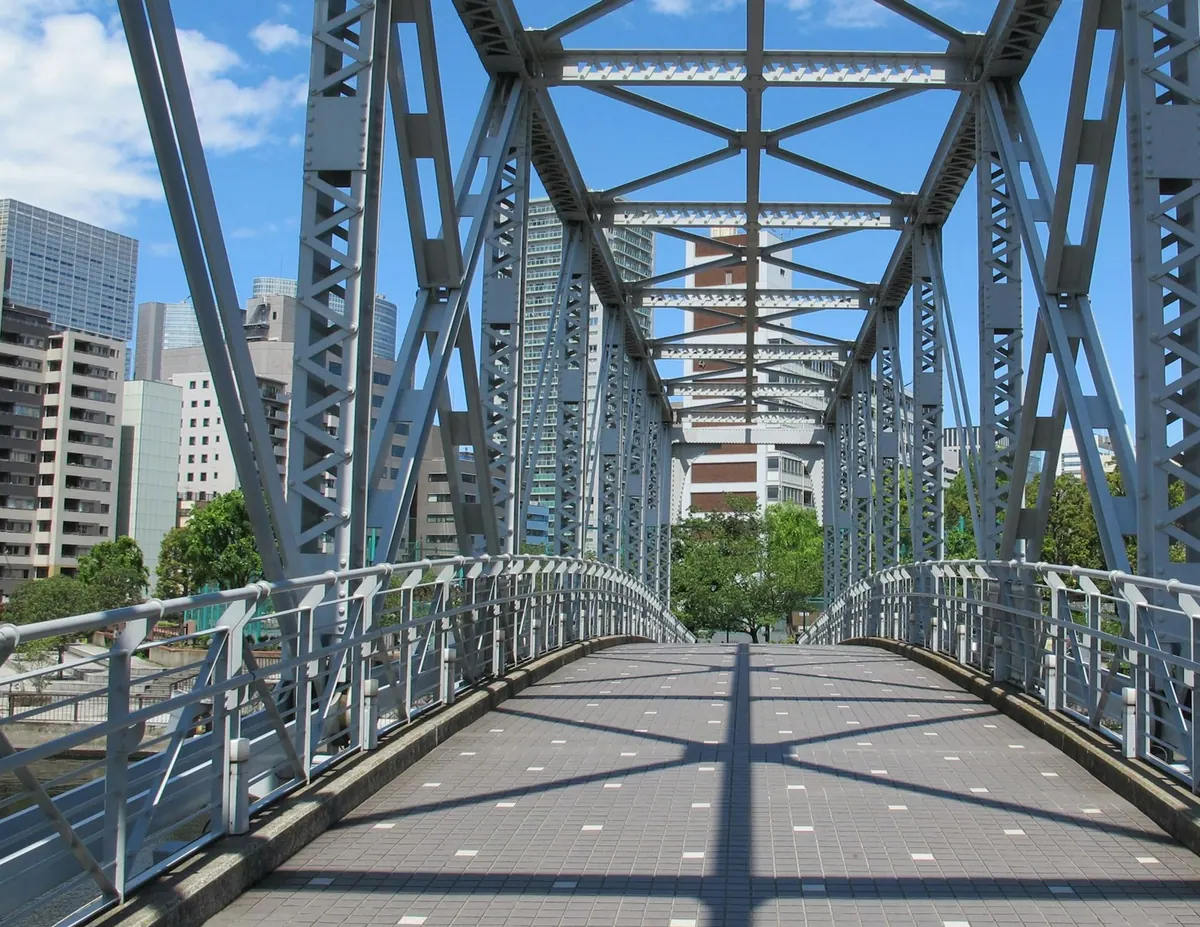
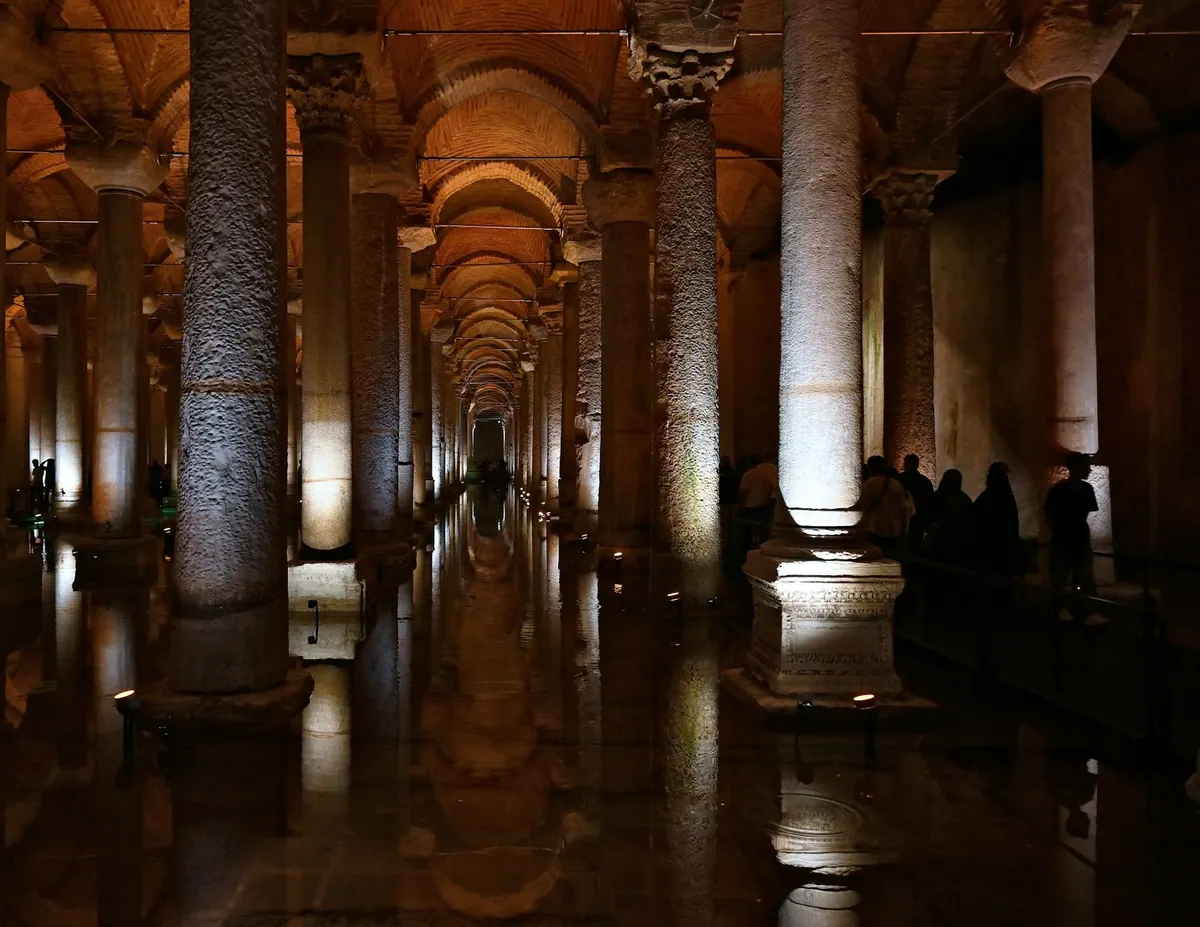
Foundry floor
01 / 43
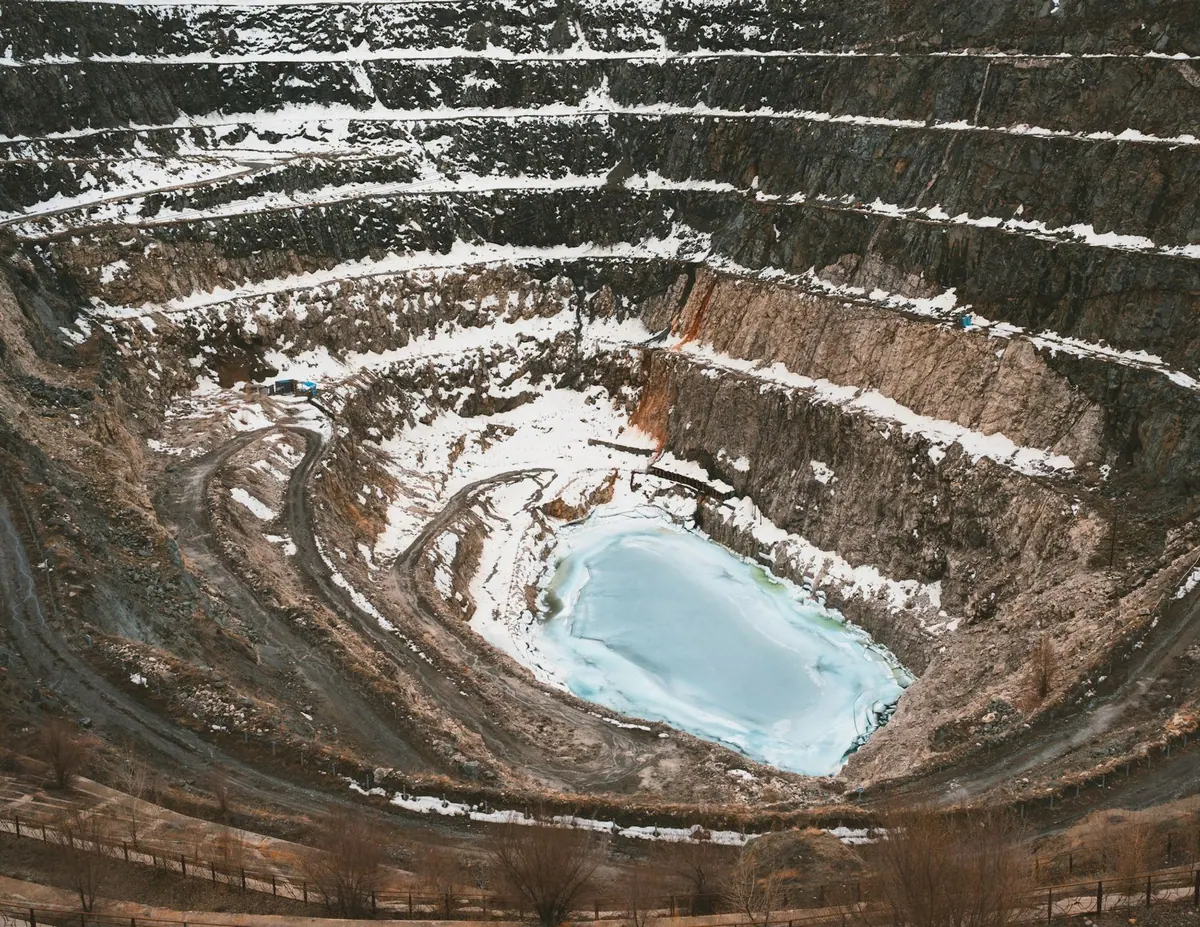
43 kinds of place a scanner goes. Every one of them comes back as the same walkthrough: panoramas, the point cloud, a section box, a top-down and measurement, in a folder you keep.
Three steps. One of them is ours.
Export, upload, and let the processing run. Everything shown above comes out of the middle step.
- 01You
Upload
Export an E57 with imagery from Cyclone, RealWorks, SCENE or your MatterPak. Drop it in with the panorama folder. A PDF plan is optional.
A few minutes of your time
- 02Scanaria
We build it
Every setup becomes a panorama with depth. Floors are detected, the point cloud is cleaned and streamed, and the viewer is assembled. Nothing is drawn or fixed by hand.
Automatic, nothing to do on your side
- 03You
Download or share
Take the folder and keep it forever, or send the hosted link and QR code. Both come from the same project, and you can do both.
The folder is yours either way
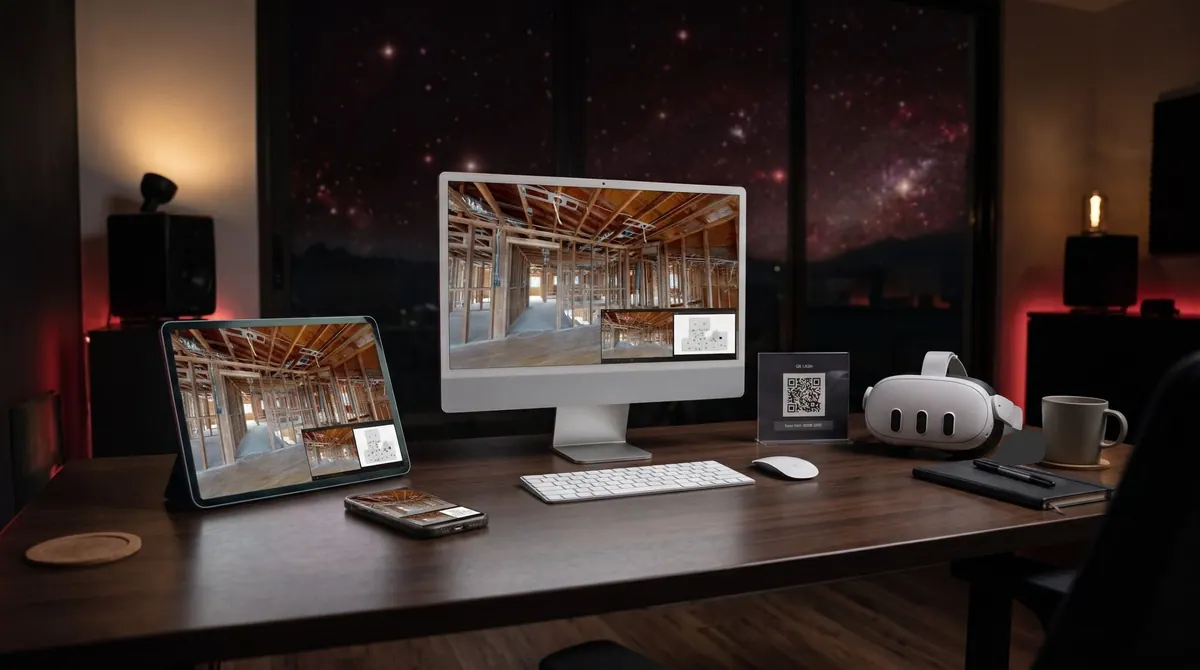
One walkthrough, wherever you open it.
The same folder and the same link open on a desktop, a tablet and a phone, and in a VR headset. Put the QR code on the site board and anyone with a camera is inside the building.
- Desktop
- Tablet
- Phone
- VR headset
- Link and QR code
Yours, two ways.
Every project gives you both. Most people use the link while the job is live and keep the folder forever.
Download the folder
An index.html on top and a data subfolder underneath. Double-click it on any desktop. No server, no installer, no account, and nothing inside it calls back to us.
- Opens from a USB stick, a NAS or a project archive
- Streams the point cloud in chunks so large buildings stay quick
- Import it back into the hub later if you want it hosted again
Host it with a link
A link and QR code that open instantly on any phone. Add hosting when you want it: $140 a month with 15 GB, or $2,500 a month with up to 500 GB. Stop at any time and keep the folder.
- Share with an optional expiry date
- Save for offline on a phone
- All your buildings in one hub, listed by address
Everyone on the same page
As easy to share as a link. Built to work in.
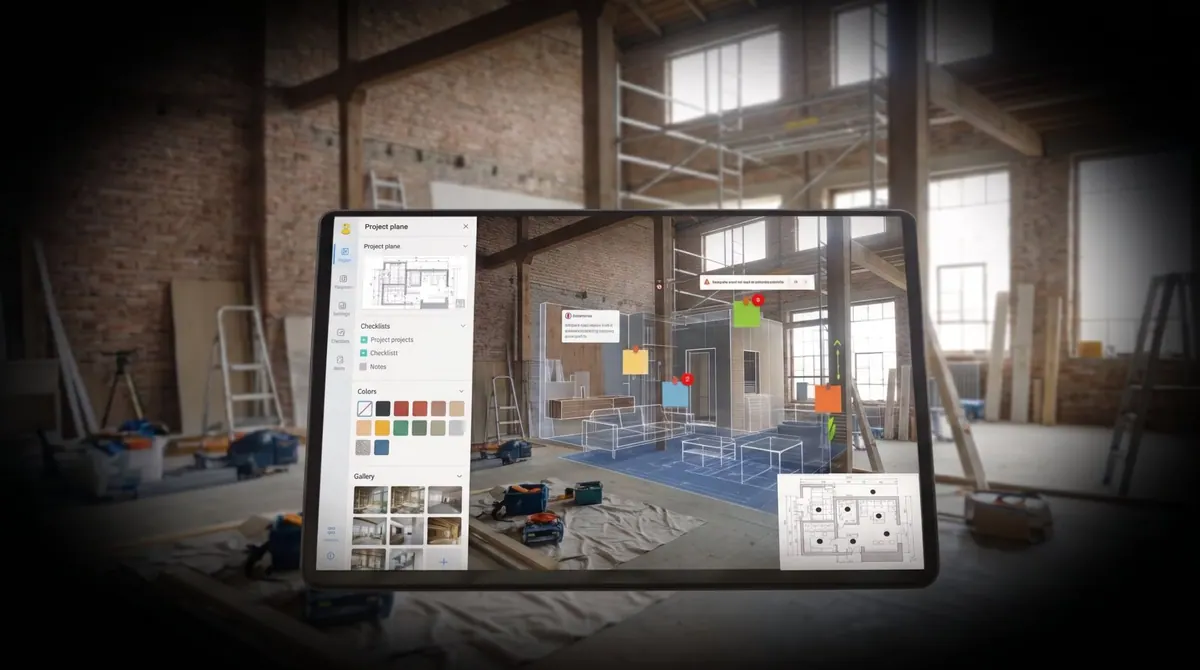
The E57 your scanner wrote becomes a walkthrough anyone can open. Pin a note where the question is, attach the drawing or the photo, mark what is done and send the link. Owners, architects, engineers, contractors and inspectors see the same building at the same point in time, wherever they are.
Notes pinned in place
Leave a note on the wall, the pipe or the beam it is about, not in an email thread.
Files where they belong
Attach the drawing, the photo or the report to the spot in the building it refers to.
Progress, visit by visit
Scan again as the work moves on and switch between dates from the same standpoint.
One link for every party
Owner, architect, engineer, contractor and inspector open the same building, from the field or the desk.
Try it with a scan of your own.
Your first building is free, with no card and nothing to install. Upload the E57 your scanner already writes, together with its panoramas, and have the finished walkthrough back as a folder and a link.
Virtual walkthrough
Built from your E57
Opens anywhere · Yours to keep